























BMW CarPlay Lag and Delay Fix
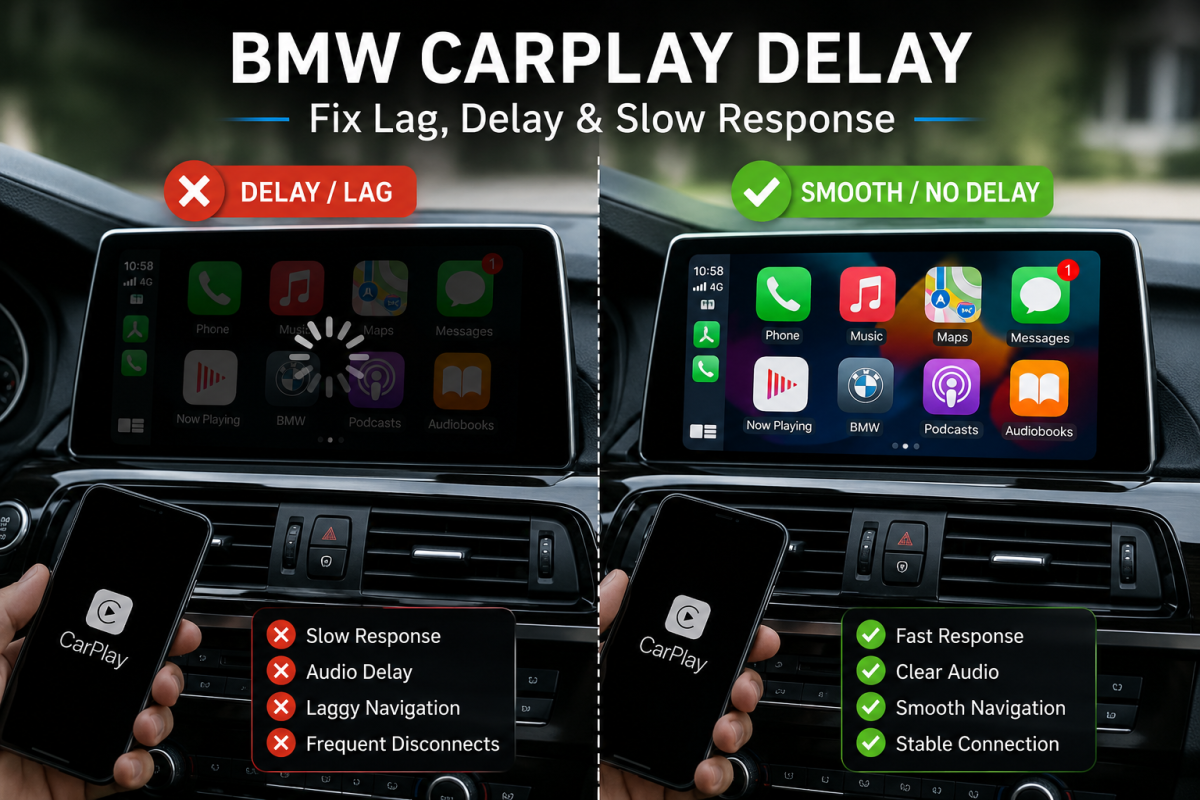
BMW CarPlay Lag and Delay Fix is one of the most searched solutions among BMW owners experiencing slow response times, audio delays, connection problems, or wireless CarPlay performance issues.
If you’re experiencing BMW CarPlay lag, delayed touch response, audio stuttering, or slow app loading, you’re not alone.
The good news is that most BMW CarPlay delay problems can be fixed or significantly improved. In this guide, we’ll explain the common causes of BMW CarPlay lag and show you practical solutions to restore a smooth driving experience. <img src=”YOUR_IMAGE_URL” alt=”BMW CarPlay Lag and Delay Fix”>
BMW CarPlay Lag and Delay Fix: Common Symptoms
BMW CarPlay issues can appear in several ways:
- Delayed screen response when using CarPlay
- Lag when switching between apps
- Audio delay during calls or music playback
- Navigation updates arriving late
- Frequent disconnections
- Slow startup when connecting wirelessly
- Stuttering YouTube Music, Spotify, or Apple Music playback
These symptoms can affect both factory-installed CarPlay systems and aftermarket CarPlay retrofit modules.
BMW CarPlay Lag and Delay Fix: What Causes the Problem?
Several factors can cause BMW CarPlay performance problems.
Weak Wireless Signal
Wireless CarPlay relies on both Bluetooth and Wi-Fi communication.
If your vehicle is in an area with strong wireless interference, connection stability may decrease, causing:
- Audio dropouts
- Screen lag
- Delayed commands
Outdated iDrive Software
Older BMW iDrive firmware versions may not be fully optimized for newer iPhone updates.
Software compatibility issues can result in:
- Slow CarPlay startup
- Connection failures
- Touchscreen lag
Too Many Background Apps on Your iPhone
Running multiple applications simultaneously can consume processing power and network resources.
Common examples include:
- Navigation apps
- Music streaming apps
- Video streaming apps
- VPN services
Older BMW Hardware
BMW models equipped with older iDrive systems may have slower processors and limited memory.
This is especially noticeable when:
- Running navigation and music simultaneously
- Using newer iOS versions
- Switching between multiple CarPlay apps
Poor Wireless CarPlay Adapter Performance
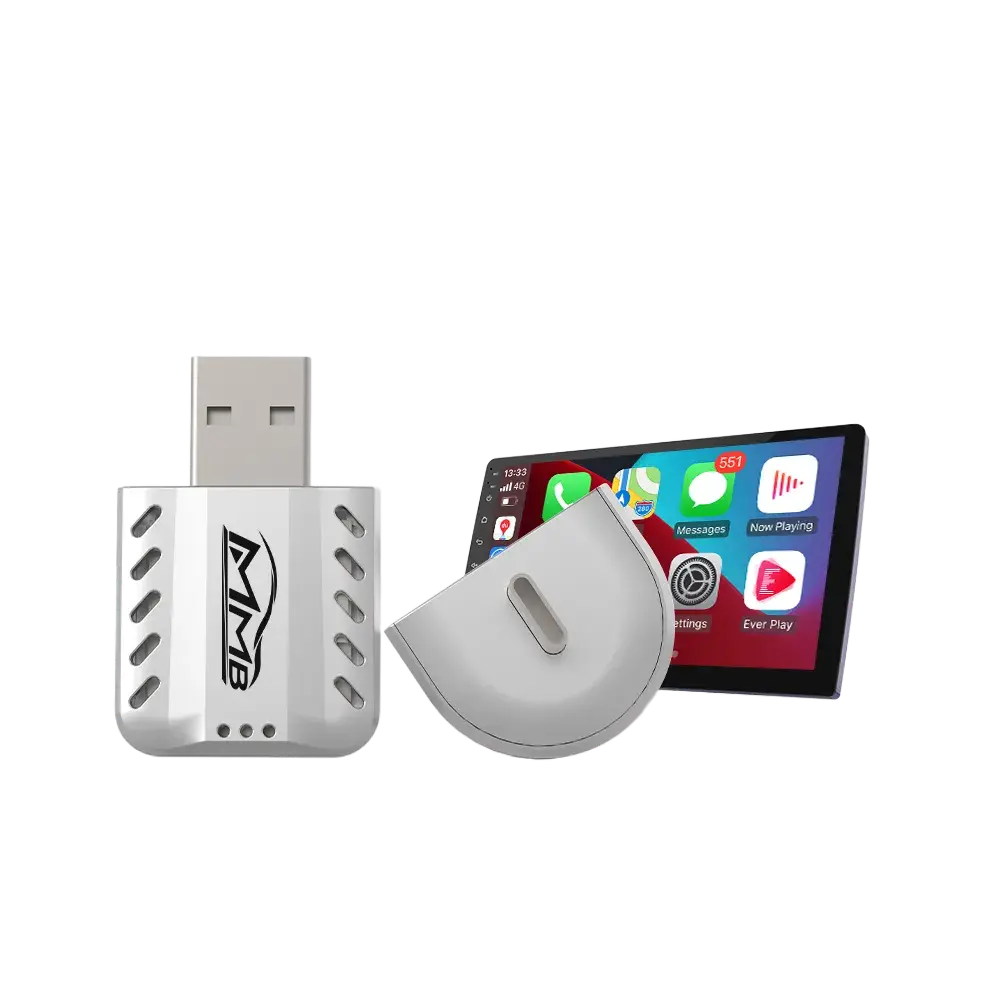
If you’re using a third-party wireless CarPlay adapter, hardware limitations can introduce additional delay.
Low-quality adapters often suffer from:
- Slow startup times
- Increased latency
- Frequent disconnects
BMW CarPlay Lag and Delay Fix: 7 Proven Solutions
1. Restart Your iPhone
A simple restart can clear temporary system issues and improve CarPlay performance.
Steps:
- Turn off your iPhone
- Wait 30 seconds
- Restart the device
- Reconnect to BMW CarPlay
2. Update iOS
Apple regularly releases performance improvements for CarPlay.
To update:
- Settings
- General
- Software Update
Install the latest version available.
3. Update BMW iDrive Software
BMW frequently releases software updates that improve connectivity and compatibility.
You can:
- Check via BMW ConnectedDrive
- Visit your local BMW dealer
- Download updates from BMW’s official portal
4. Reconnect CarPlay
Sometimes pairing information becomes corrupted.
Try:
- Remove the BMW connection from your iPhone
- Delete the iPhone from BMW iDrive
- Re-pair the devices from scratch
This often resolves wireless lag and connection issues.
5. Reduce Wireless Interference
To improve wireless performance:
- Disable unused Bluetooth devices
- Avoid crowded Wi-Fi environments
- Keep your phone closer to the vehicle’s wireless receiver
6. Use Wired CarPlay
If your BMW supports both wired and wireless CarPlay, using a cable may provide:
- Lower latency
- Faster response times
- More stable navigation performance
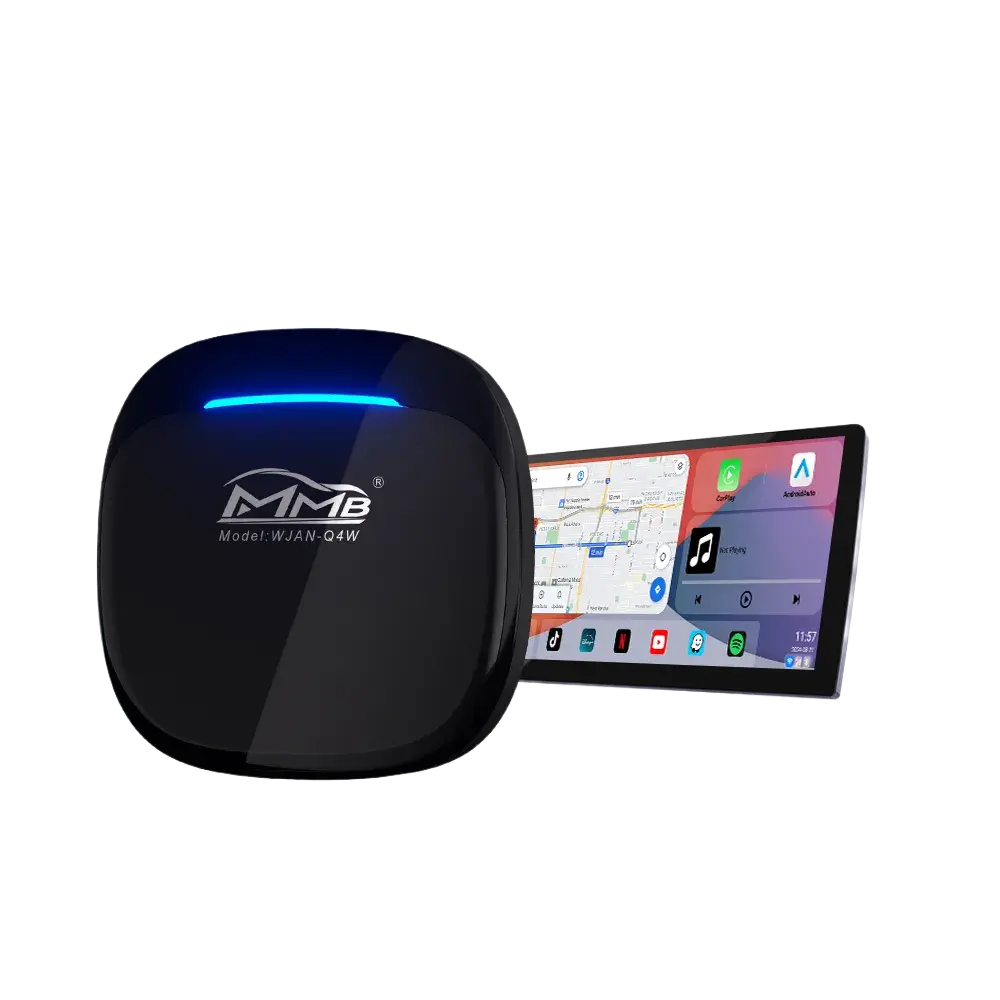
7. Upgrade to a More Powerful Android AI Box
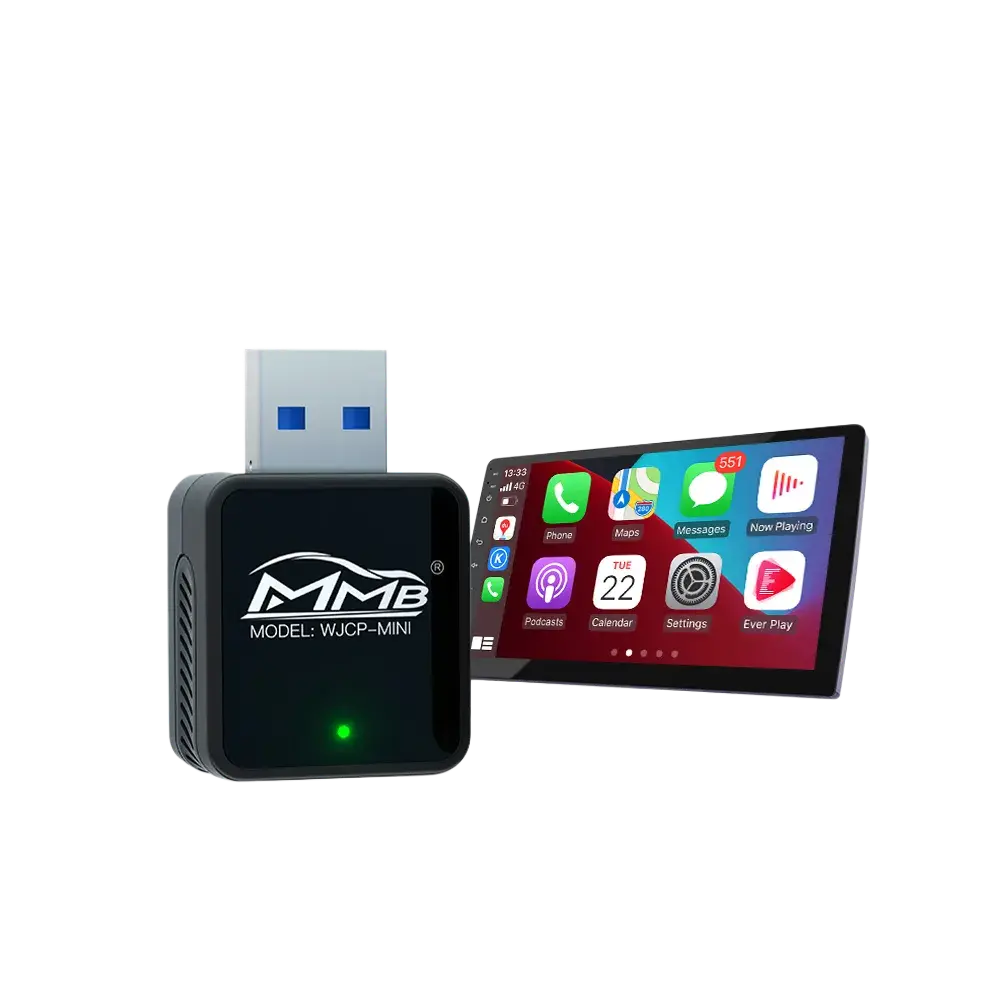
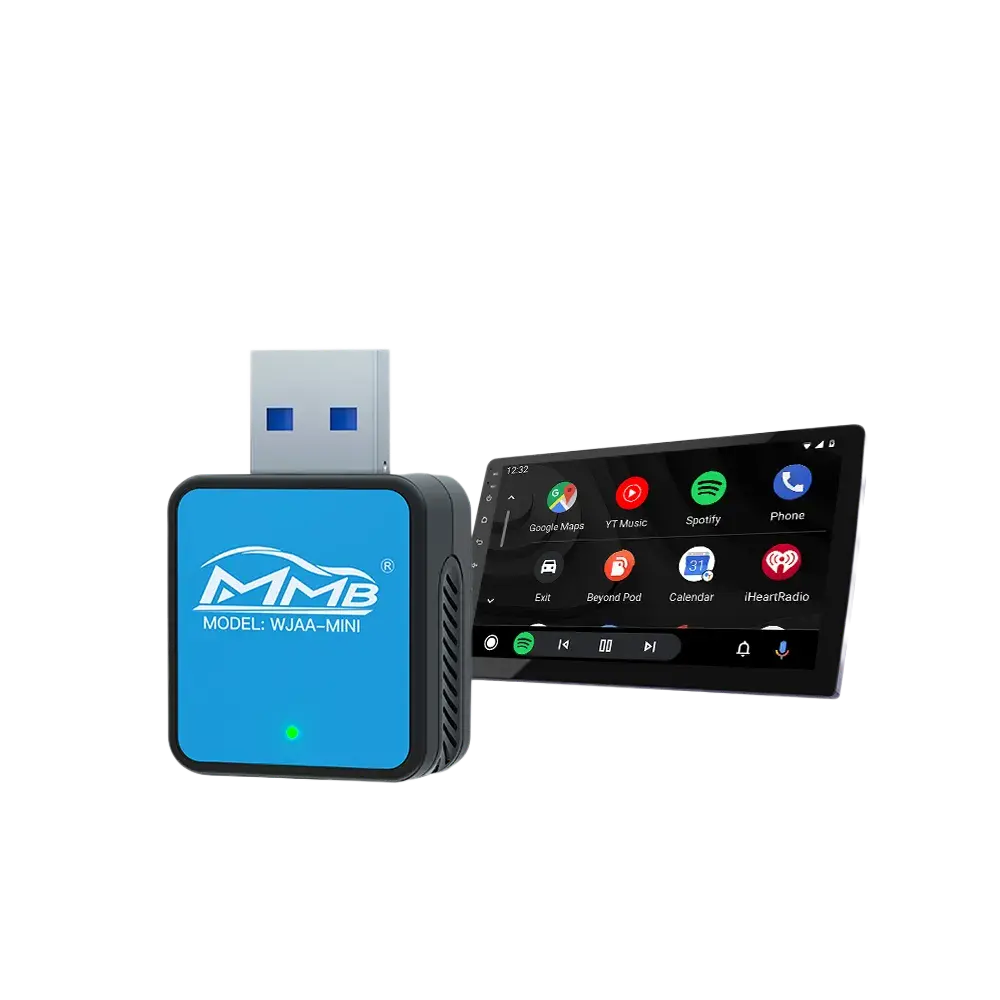
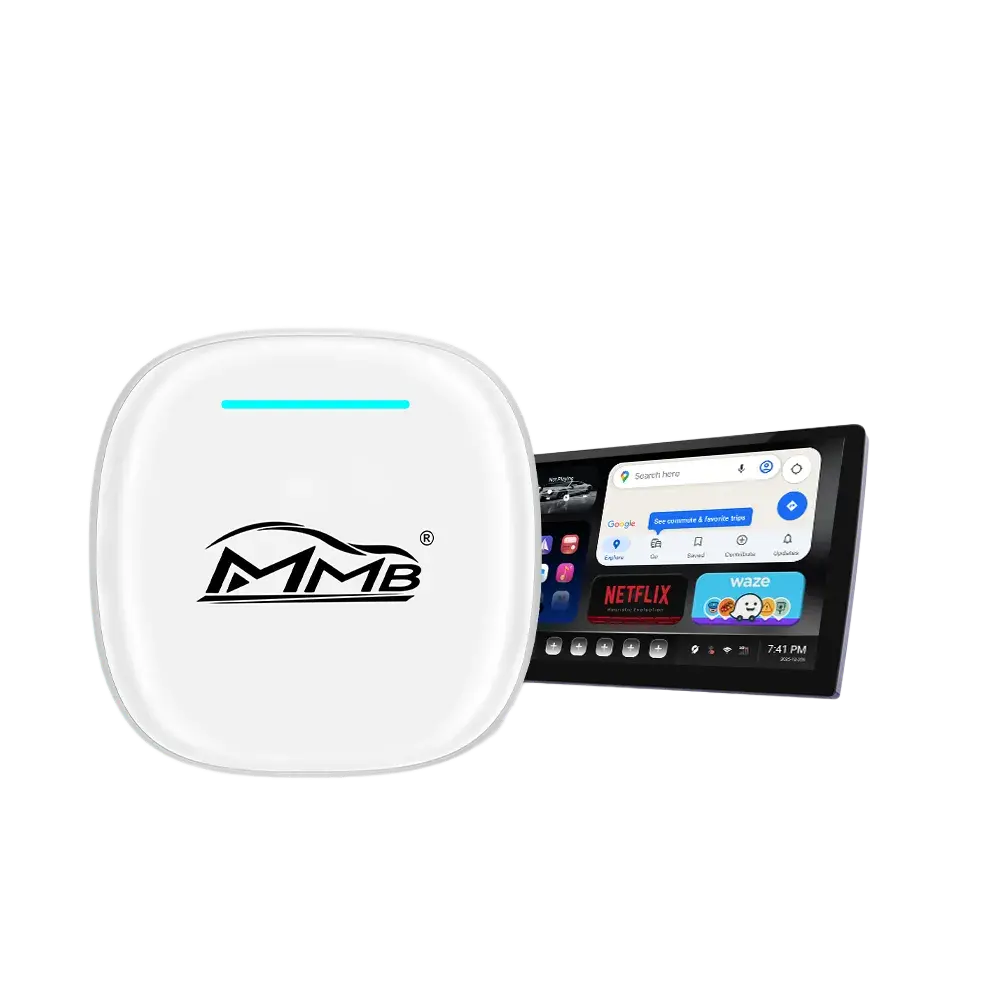
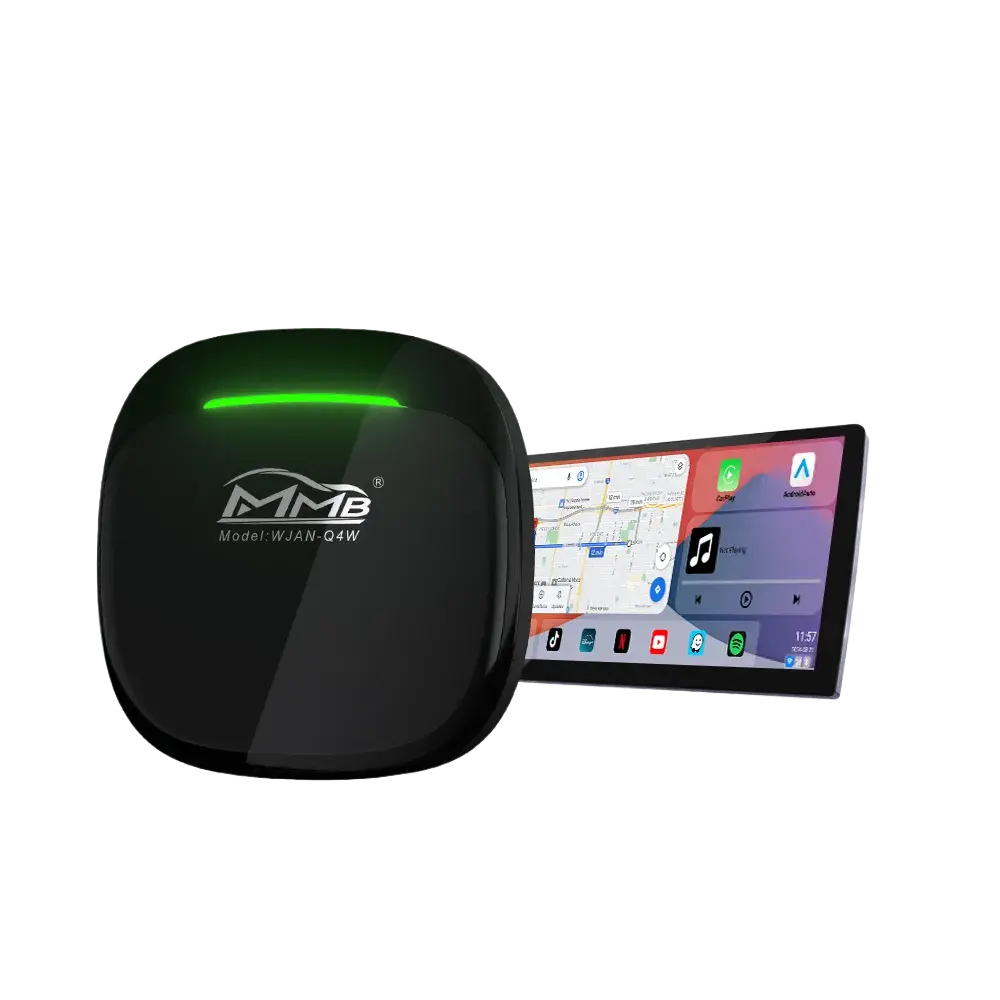
If your goal is to use streaming apps, YouTube, Netflix, Google Maps, and multitasking, a dedicated Android AI Box may offer a significantly better experience than relying solely on CarPlay.
Modern AI Boxes provide:
- Independent Android operating system
- Faster processors
- More RAM
- More storage
- Better multimedia performance
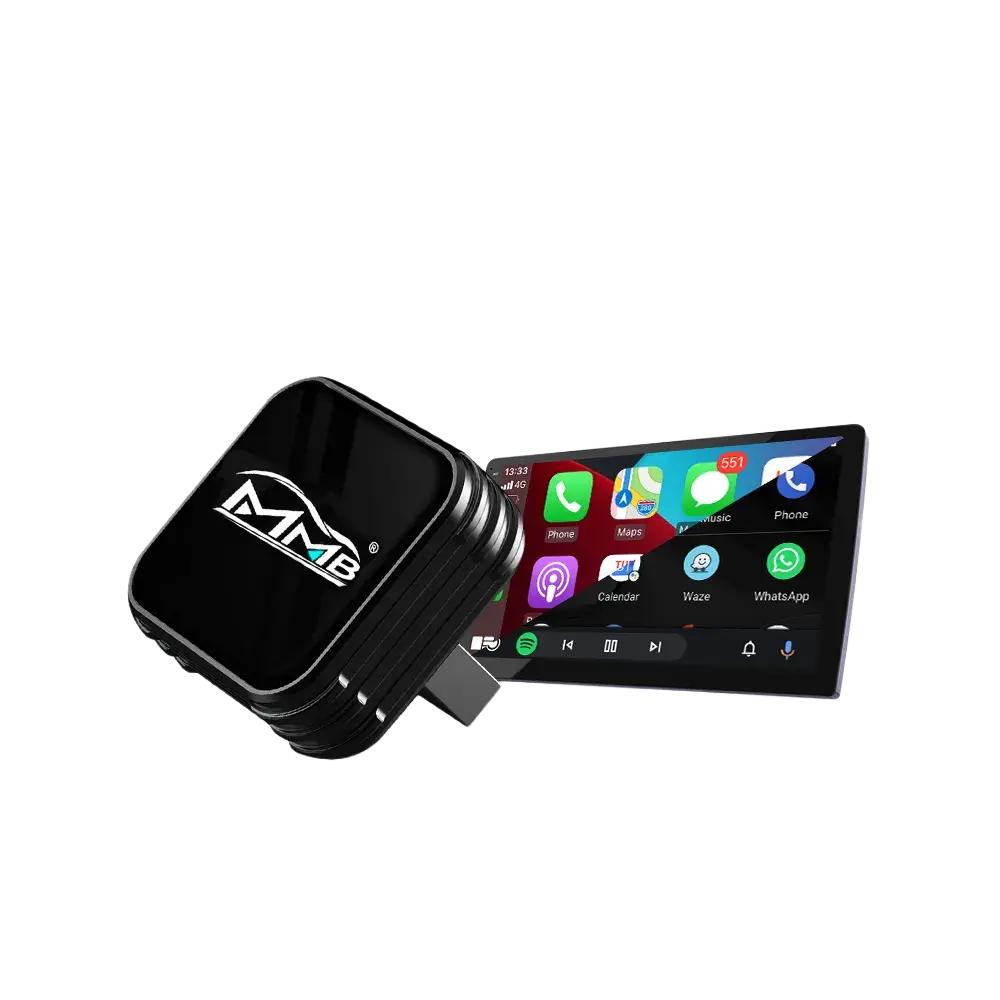
For BMW owners, consider the dedicated MMB BMW AI Box:
👉 https://carplaymmb.com/products/mmb-bmw-multimedia-box
Unlike standard CarPlay solutions, it transforms your BMW screen into a full Android entertainment system.
BMW CarPlay Lag and Delay Fix for Older BMW Models
BMW owners with older NBT, NBT EVO, CIC, and early iDrive systems are more likely to experience CarPlay lag and delay issues.
As newer iPhone models and iOS updates become more demanding, older infotainment hardware may struggle to keep up.
Common symptoms include:
- Slow app loading
- Delayed Siri responses
- Audio synchronization issues
- Navigation lag
- Wireless CarPlay disconnections
If your BMW uses an older infotainment platform, software optimization may help, but hardware limitations can still affect performance.
In these situations, upgrading to a modern CarPlay retrofit or Android AI Box solution can significantly improve the overall user experience.
When CarPlay Lag Indicates a Hardware Limitation
If you’ve tried all software-related fixes and lag remains, your BMW’s infotainment hardware may simply be reaching its limits.
Common examples include:
- Older NBT systems
- Early EVO systems
- Aging wireless modules
In these situations, upgrading the infotainment experience may provide better long-term results than repeatedly troubleshooting CarPlay performance.
What If Your BMW Doesn’t Have CarPlay?
Many older BMW models were not equipped with Apple CarPlay from the factory.
In that case, installing a dedicated CarPlay retrofit module is often the best solution.
Joyeauto offers OEM-style wireless CarPlay retrofit systems that integrate seamlessly with factory BMW screens and controls.
👉 Explore BMW CarPlay retrofit options here
BMW CarPlay Lag and Delay Fix FAQ
Why is my BMW CarPlay so slow?
BMW CarPlay may become slow due to wireless interference, outdated iDrive software, older infotainment hardware, or excessive background apps running on your iPhone.
Does updating iOS fix BMW CarPlay lag?
Yes. Apple frequently releases CarPlay performance improvements and bug fixes through iOS updates.
Is wireless CarPlay slower than wired CarPlay?
In most cases, wireless CarPlay introduces slightly more latency than a wired connection because it relies on Bluetooth and Wi-Fi communication.
Can an Android AI Box improve BMW infotainment performance?
Yes. An Android AI Box adds a dedicated Android operating system, allowing access to YouTube, Netflix, Google Maps, Spotify, and thousands of apps without relying solely on Apple CarPlay.
What is the best BMW CarPlay Lag and Delay Fix?
The most effective BMW CarPlay Lag and Delay Fix usually involves updating iOS, updating BMW iDrive software, reconnecting CarPlay, reducing wireless interference, or upgrading to a modern infotainment solution.
Recommended BMW Upgrades
Looking for a dedicated BMW multimedia upgrade?
If your BMW does not support Apple CarPlay, explore our:
👉 BMW Wireless CarPlay Retrofit Collection
Final Thoughts
BMW CarPlay lag and delay issues are usually caused by software compatibility problems, wireless interference, or hardware limitations.
Fortunately, most BMW CarPlay delay problems can be resolved through updates, reconnection procedures, and system optimization.
If you’re looking for a more advanced in-car experience, upgrading to a dedicated Android AI Box or a professional CarPlay retrofit solution can provide smoother performance, more apps, and greater functionality than standard CarPlay alone.
Whether you’re driving a BMW 3 Series, 5 Series, X3, X5, X7, or another model, the right upgrade can transform your infotainment system into a faster, smarter, and more enjoyable driving companion.