




















What Is the JoyeAuto CarPlay Module Rearview Camera Not Working Issue?
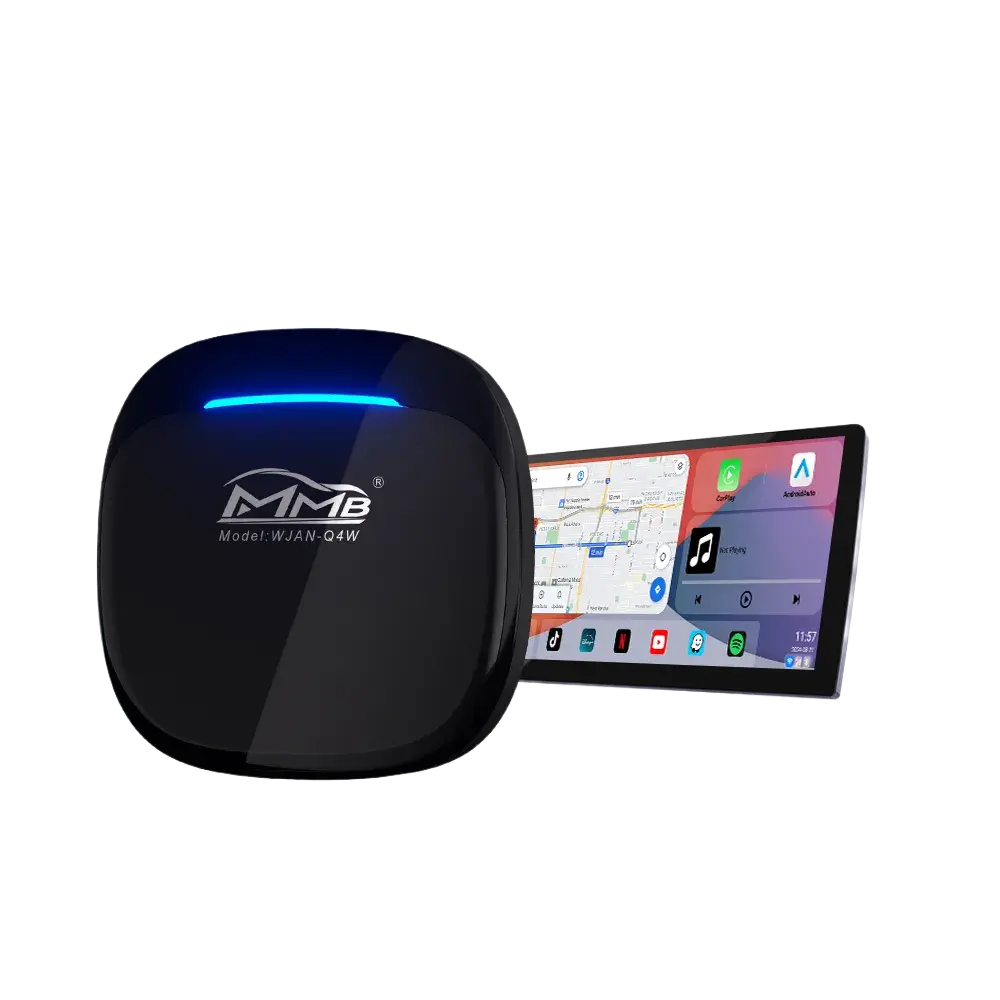
The JoyeAuto CarPlay module rearview camera not working issue is one of the most common questions users ask after installing an aftermarket CarPlay interface. In many situations, the factory infotainment system, Apple CarPlay, Bluetooth, and steering wheel controls all work perfectly, but the rearview camera image does not appear when the vehicle is shifted into reverse.
This issue can be frustrating because the backup camera is an important safety feature that improves visibility and helps drivers avoid obstacles while reversing.
Fortunately, the JoyeAuto CarPlay module rearview camera not working issue is usually caused by configuration or installation problems rather than hardware failure. In this guide, we will explain the most common causes and show you exactly how to fix them.
Why Does the Rearview Camera Stop Working After Installing a JoyeAuto CarPlay Module?
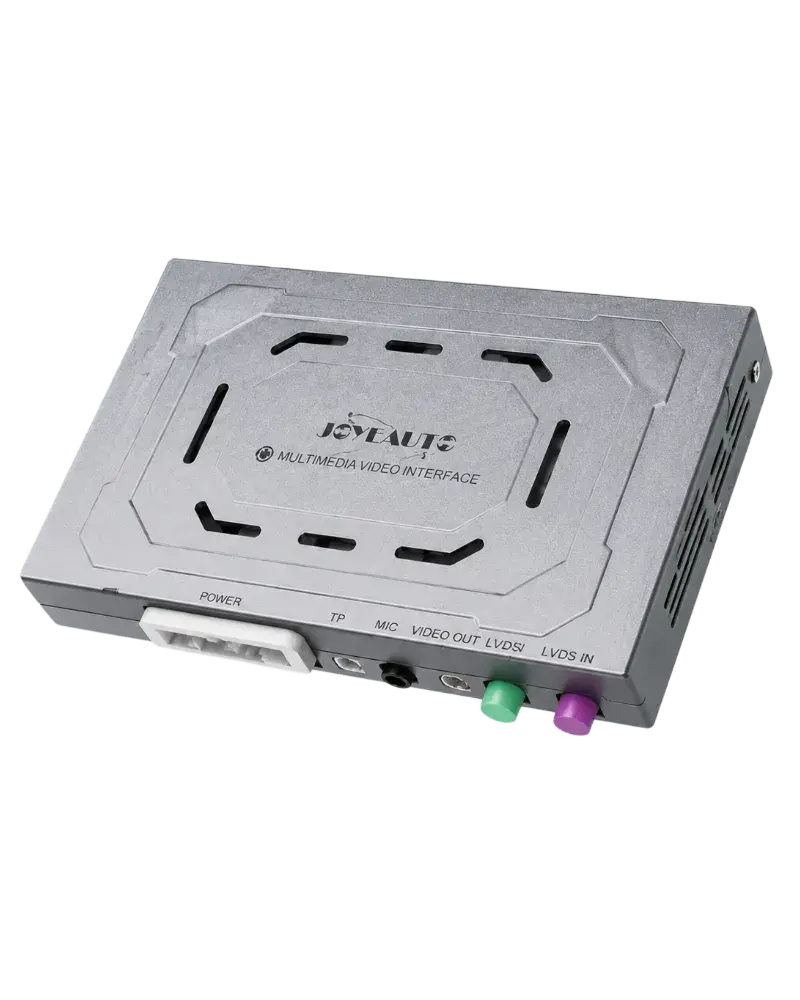
A JoyeAuto CarPlay module acts as an intermediary between the factory infotainment system and the display screen.
It processes:
- Factory infotainment signals
- Rearview camera signals
- Apple CarPlay or Android Auto signals
- Audio and video signals
When reverse gear is engaged, the module automatically switches the display to the camera view.
If the module cannot detect or process the camera signal correctly, the JoyeAuto CarPlay module rearview camera not working issue may occur.
Factory Camera vs Aftermarket Camera
The first thing you need to confirm is whether your vehicle uses:
- An OEM (factory) rearview camera
- An aftermarket rearview camera
This is very important because the settings are different.
OEM rearview camera
If your vehicle uses the original factory camera, you usually do not need to change any DIP switches or camera settings.
The JoyeAuto module is designed to recognize the factory camera automatically.
Aftermarket rearview camera
If your vehicle uses an aftermarket camera, additional settings may be required, including:
- Camera type selection
- Reverse trigger signal
- Camera power supply
- DIP switch configuration
Therefore, identifying your camera type is the first step in solving the JoyeAuto CarPlay module rearview camera not working problem.
Incorrect DIP Switch Settings
Another common cause of the JoyeAuto CarPlay module rearview camera not working issue is incorrect DIP switch settings.
Different factory infotainment systems require different configurations.
For example:
- BMW CIC and NBT use different settings.
- Audi MMI 2G and MMI 3G require different DIP combinations.
- Mercedes NTG systems use different video protocols.
If the DIP switches are configured incorrectly:
- The rearview camera may not appear.
- The system may fail to switch to reverse mode.
- The camera image may remain black.
Important Note
Every time you change the DIP switch settings, you must disconnect the power cable and reconnect the device.
Simply changing the switches is not enough.
The JoyeAuto module must reboot completely for the new settings to take effect.
Many users overlook this step and assume the module is malfunctioning, when in fact the new configuration has simply not been applied.
Reverse Trigger Signal Is Missing
Some manual transmission vehicles may encounter a special situation.
The OEM system works normally:
- The factory rearview camera displays correctly.
- The original infotainment system switches to reverse normally.
However:
- The CarPlay interface does not display the rearview camera image.
If this happens, the most likely cause is that the JoyeAuto module is not receiving the reverse trigger signal.
As a result, the module does not know when the vehicle is in reverse gear.
How to Fix JoyeAuto CarPlay Module Rearview Camera Not Working
If you are experiencing the JoyeAuto CarPlay module rearview camera not working issue, follow these troubleshooting steps.
Step 1: Confirm the Camera Type
First, determine whether your vehicle uses:
- OEM rearview camera
- Aftermarket rearview camera
If it is an OEM camera:
- No DIP switch changes are normally required.
- No additional camera settings are needed.
If it is an aftermarket camera:
- Verify the camera type.
- Check the power supply.
- Confirm the reverse trigger wiring.
This simple check solves many camera display issues.
Step 2: Verify DIP Switch Settings
Check whether the DIP switch configuration matches your vehicle.
Verify:
- Vehicle model
- Production year
- OEM infotainment system
- Camera type
If you change any DIP switch:
Disconnect the power cable and reconnect the JoyeAuto module.
Otherwise, the new settings will not take effect.
This is one of the most overlooked causes of the JoyeAuto CarPlay module rearview camera not working issue.
Step 3: Connect the Reverse Control Wire
For some manual transmission vehicles, the reverse signal must be connected manually.
The JoyeAuto module includes a reserved orange cable:
RAR-C cable
To enable the reverse camera:
- Locate the orange RAR-C wire on the JoyeAuto module.
- Connect it to the 12V power supply of the reverse light.
- Restart the system.
Once connected, the JoyeAuto module will detect when the vehicle enters reverse gear and automatically switch to the rearview camera.
This method is particularly effective for vehicles where:
- The OEM system shows the rear camera normally.
- The CarPlay system does not display the rear camera.
How Does a Backup Camera Work?
Backup cameras are designed to improve rear visibility and reduce accidents while reversing.
When reverse gear is engaged:
- The reverse light circuit sends a signal.
- The infotainment system detects the signal.
- The screen switches to the camera input.
- The rearview image appears.
More information about backup camera technology can be found here:
In the United States, backup cameras are mandatory on all new passenger vehicles according to the U.S. National Highway Traffic Safety Administration:
How to Prevent Rearview Camera Issues Before Installation
Preventing the JoyeAuto CarPlay module rearview camera not working issue is easier than troubleshooting it later.
Confirm Vehicle Compatibility
Before installation, verify:
- Vehicle model
- Production year
- OEM infotainment system
- Camera type
- Transmission type
Using a vehicle-specific CarPlay module greatly improves compatibility.
Browse all JoyeAuto products here:
JoyeAuto Shop All:
https://joyeauto.com/product-category/shop-all/
Follow the Installation Guide Carefully
Avoid:
- Changing DIP switches randomly
- Swapping LVDS cables
- Ignoring the reverse trigger wire
- Using unofficial adapters
A careful installation process significantly reduces the chance of rear camera issues.
Learn More About Apple CarPlay
Apple CarPlay integrates smartphone functionality directly into the vehicle’s infotainment system.
You can learn more about how CarPlay works on Apple’s official website:
Apple CarPlay Official Website
Conclusion
The JoyeAuto CarPlay module rearview camera not working issue is usually caused by:
- Incorrect camera type identification
- DIP switch misconfiguration
- Failure to restart the module after changing DIP switches
- Missing reverse trigger signal
- Manual transmission vehicle compatibility
Fortunately, these problems are relatively easy to fix.
By confirming whether your camera is OEM or aftermarket, checking the DIP switches, and connecting the orange RAR-C wire to the reverse light’s 12V power supply when necessary, most users can quickly restore rearview camera functionality and continue enjoying all the benefits of their JoyeAuto CarPlay upgrade.
FAQ
Why is my rearview camera not working after installing a JoyeAuto CarPlay module?
The most common causes are incorrect DIP switch settings, reverse trigger signal issues, or incorrect camera type configuration.
Do I need to configure anything if my car uses the original factory camera?
No. In most cases, OEM rearview cameras work automatically and do not require additional settings.
Why does my factory system show the rear camera normally, but CarPlay does not?
This usually happens on some manual transmission vehicles because the JoyeAuto module is not receiving the reverse trigger signal.
What is the orange RAR-C cable used for?
The orange RAR-C cable is used as a reverse trigger wire. Connecting it to the reverse light’s 12V power supply allows the JoyeAuto module to detect reverse gear and switch to the rearview camera automatically.
Where can I find compatible JoyeAuto CarPlay modules?
You can browse all compatible products here:
https://joyeauto.com/product-category/shop-all