





















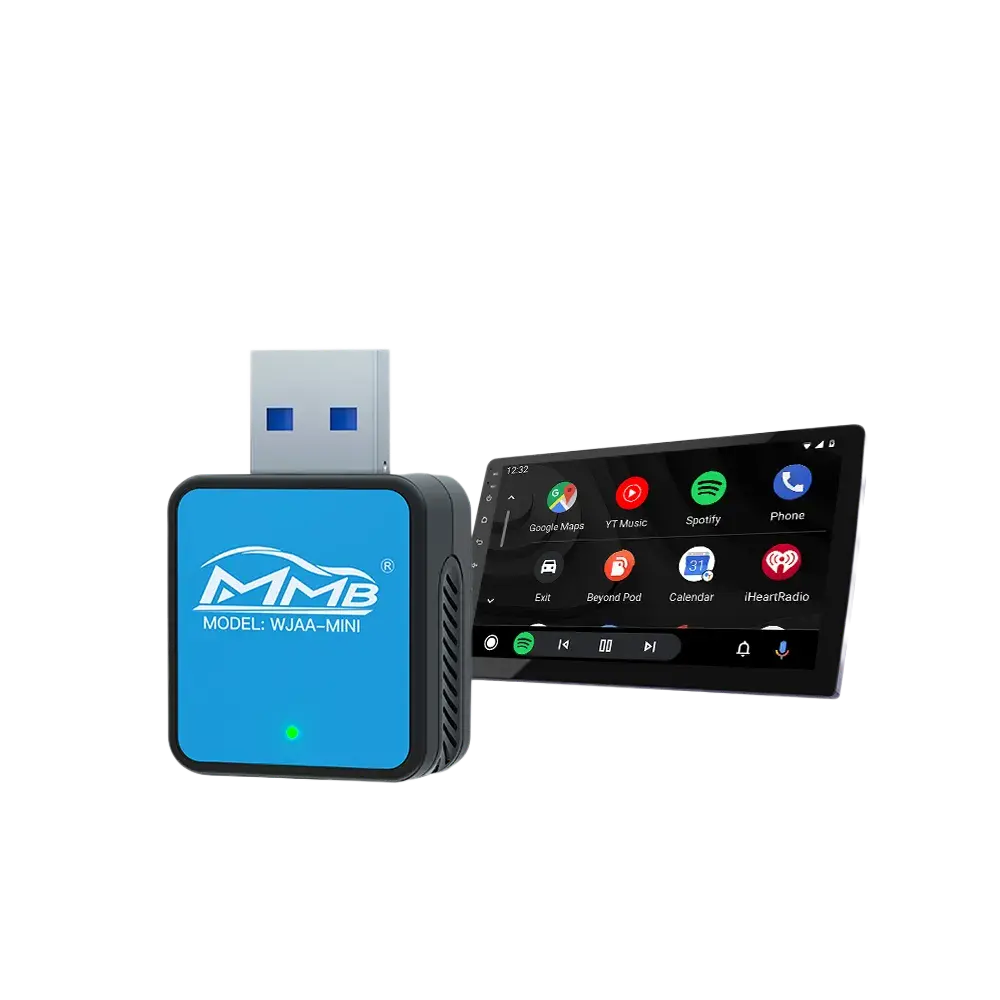
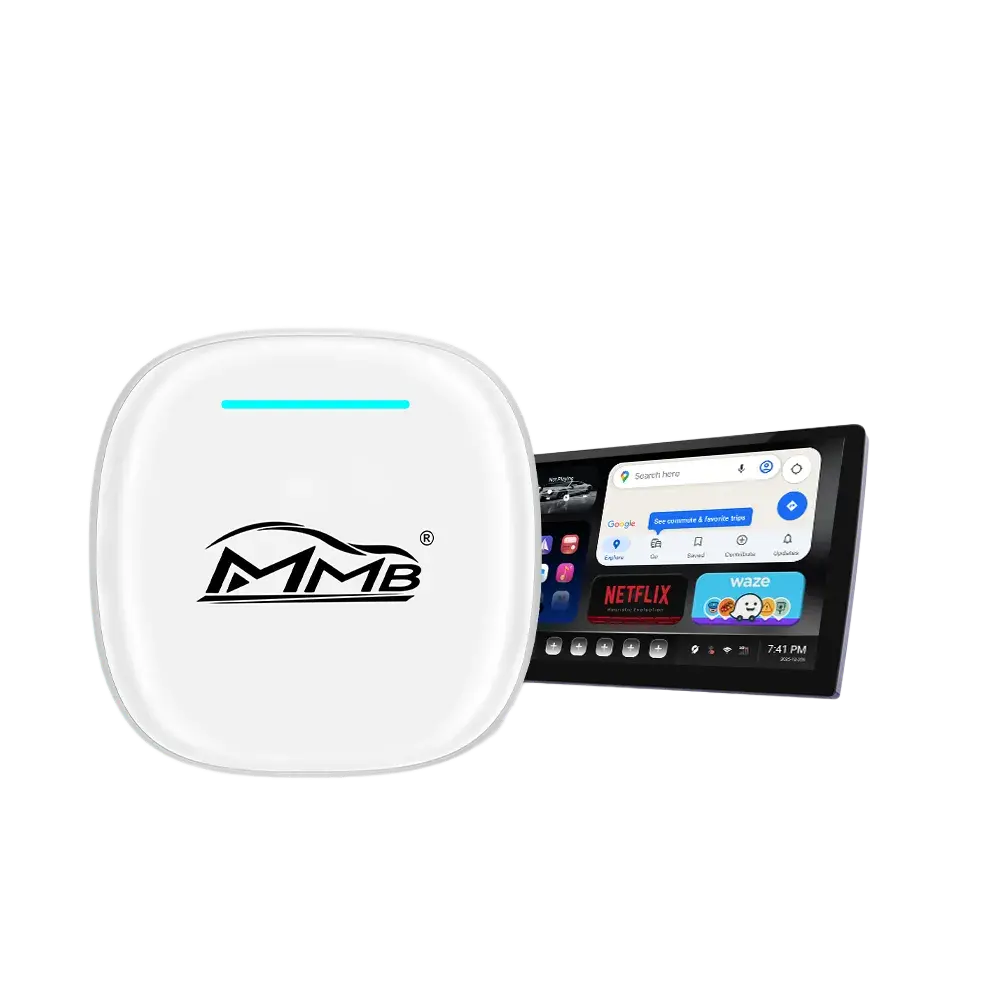
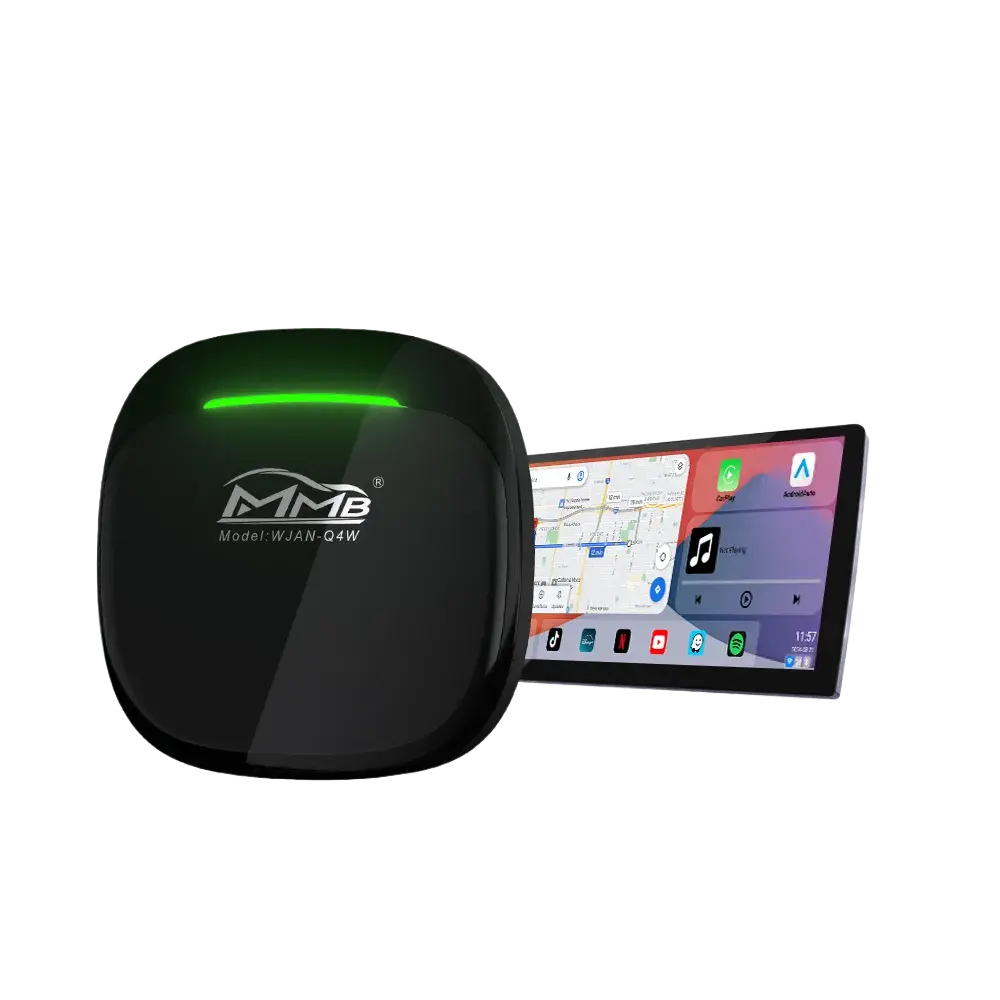
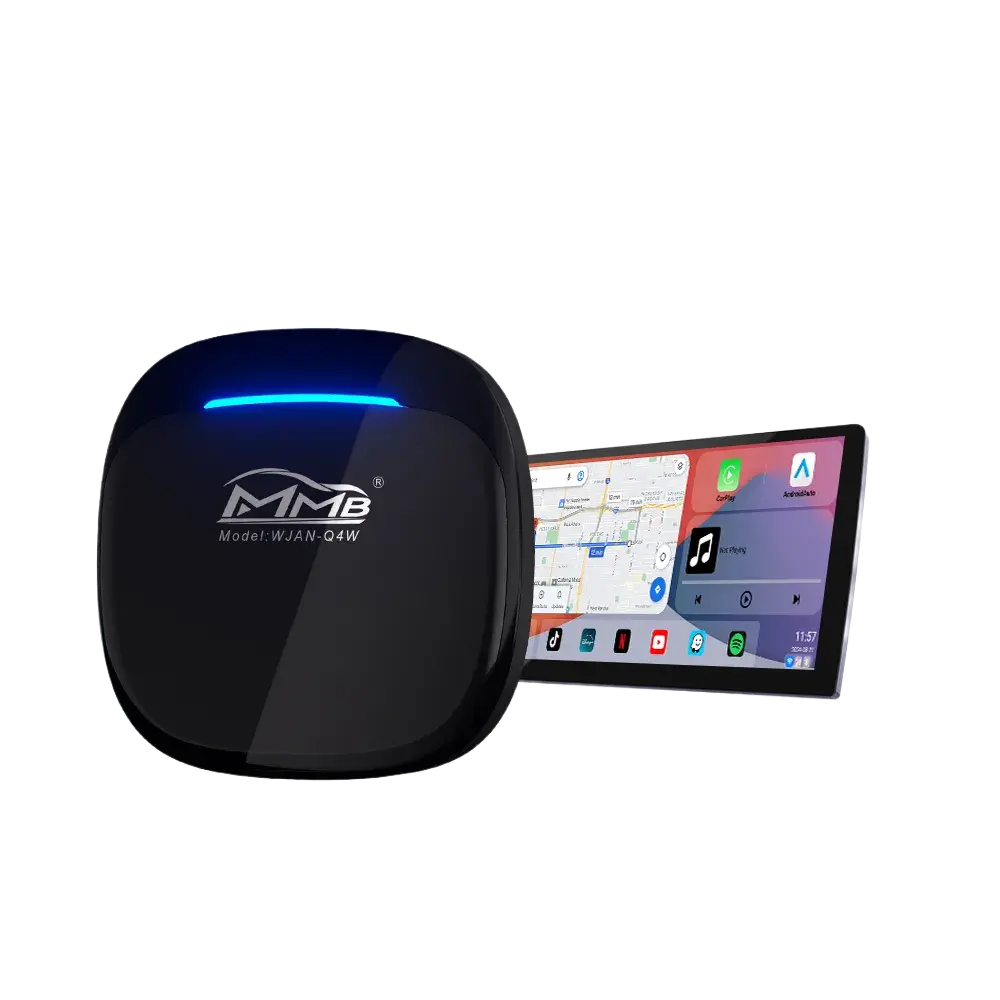
If you’re planning a BMW CarPlay upgrade, installing an AI Box, or upgrading your iDrive system, you’ve probably seen terms like CIC, NBT, and EVO everywhere.
Many BMW owners are confused about what these systems actually mean. Some drivers simply want Wireless Apple CarPlay, while others want to stream YouTube, Netflix, or use Android Auto inside their BMW. However, before purchasing any retrofit module or AI Box, understanding BMW CIC vs NBT vs EVO is extremely important.
Different BMW infotainment systems use different hardware, display resolutions, communication protocols, and compatibility standards. Choosing the wrong upgrade can lead to installation issues, black screens, audio problems, or unsupported features.
In this guide, we’ll explain everything you need to know about BMW CIC vs NBT vs EVO, including the major differences, compatible BMW models, CarPlay support, and the best upgrade options available in 2026.
Table of Contents
- What Is BMW iDrive?
- What Is BMW CIC?
- What Is BMW NBT?
- What Is BMW EVO?
- BMW CIC vs NBT vs EVO Comparison
- Which BMW Models Use CIC, NBT, and EVO?
- Which BMW System Supports Apple CarPlay?
- Best BMW CarPlay Upgrade Options
- How to Identify Your BMW iDrive Version
- Final Thoughts
What Is BMW iDrive?
Before understanding BMW CIC vs NBT vs EVO, you first need to understand BMW iDrive.
BMW iDrive is BMW’s infotainment platform. It controls:
- Navigation
- Music
- Bluetooth
- Vehicle settings
- Apple CarPlay
- Android Auto
- Multimedia apps
- Display interface
Over the years, BMW has released multiple generations of iDrive systems, with CIC, NBT, and EVO being the most common versions found in modern BMW vehicles.
What Is BMW CIC?
BMW CIC stands for:
Car Information Computer
BMW introduced CIC around 2008 as the successor to the older CCC infotainment system.
At the time, CIC was considered a major improvement because it offered:
- Faster navigation
- Hard-drive-based maps
- Better graphics
- Improved multimedia playback
However, compared to modern systems, CIC is now considered outdated.
How to Identify BMW CIC
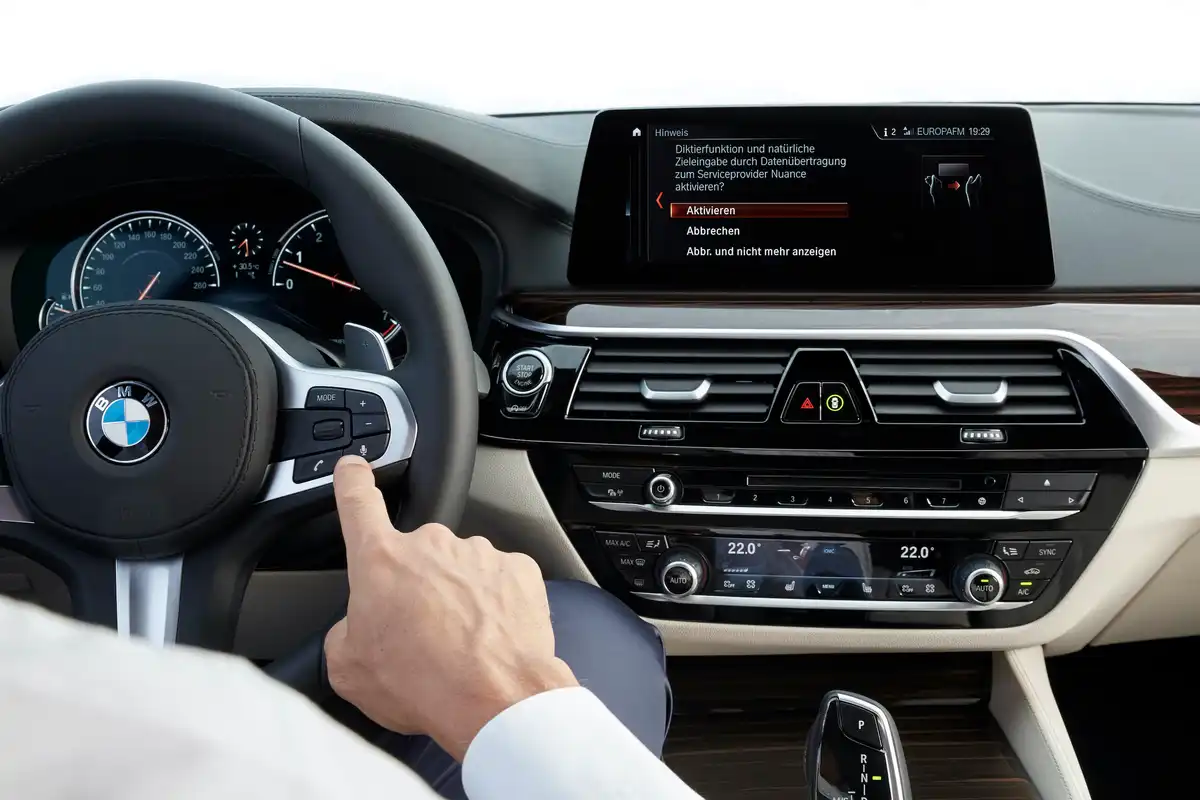
Typical BMW CIC systems feature:
- Blue-themed interface
- Split-screen navigation layout
- Older BMW map graphics
- Slower menu animations
- Physical shortcut buttons
Most CIC systems do not support touchscreen functionality.
Common BMW Models With CIC
BMW CIC was commonly installed in:
- BMW E90/E92 3 Series
- Early BMW F10 5 Series
- BMW E70 X5
- BMW E71 X6
- BMW F01 7 Series
Most CIC-equipped BMWs were produced between 2008 and 2012.
What Is BMW NBT?
BMW NBT stands for:
Next Big Thing
NBT replaced CIC around 2013 and represented a huge leap forward in BMW infotainment technology.
Compared to CIC, BMW NBT offered:
- Faster processing speed
- Better graphics
- Improved Bluetooth
- Modern UI design
- Smoother animations
- Better multimedia support
NBT remains one of the most popular BMW systems for CarPlay retrofits and AI Box upgrades.
How to Identify BMW NBT
NBT systems usually include:
- Black modern interface
- Tile-style menu layout
- Faster response speed
- Better navigation graphics
- Improved media menus
Some late-generation NBT systems also support touch iDrive controllers.
Common BMW Models With NBT
Typical NBT-equipped vehicles include:
- BMW F30 3 Series
- BMW F15 X5
- BMW F16 X6
- BMW F25 X3
- BMW F10 LCI
- BMW F32 4 Series
Most NBT systems were used between 2013 and 2016.
What Is BMW EVO?
BMW EVO is the newest generation in the BMW CIC vs NBT vs EVO lineup.
It is often called:
- NBT EVO
- iDrive 5
- iDrive 6
BMW EVO introduced major upgrades such as:
- Wireless Apple CarPlay
- Touchscreen support
- Modern widget-style UI
- Faster graphics
- Improved connectivity
- Better display resolution
EVO feels much closer to today’s modern luxury infotainment systems.
How to Identify BMW EVO
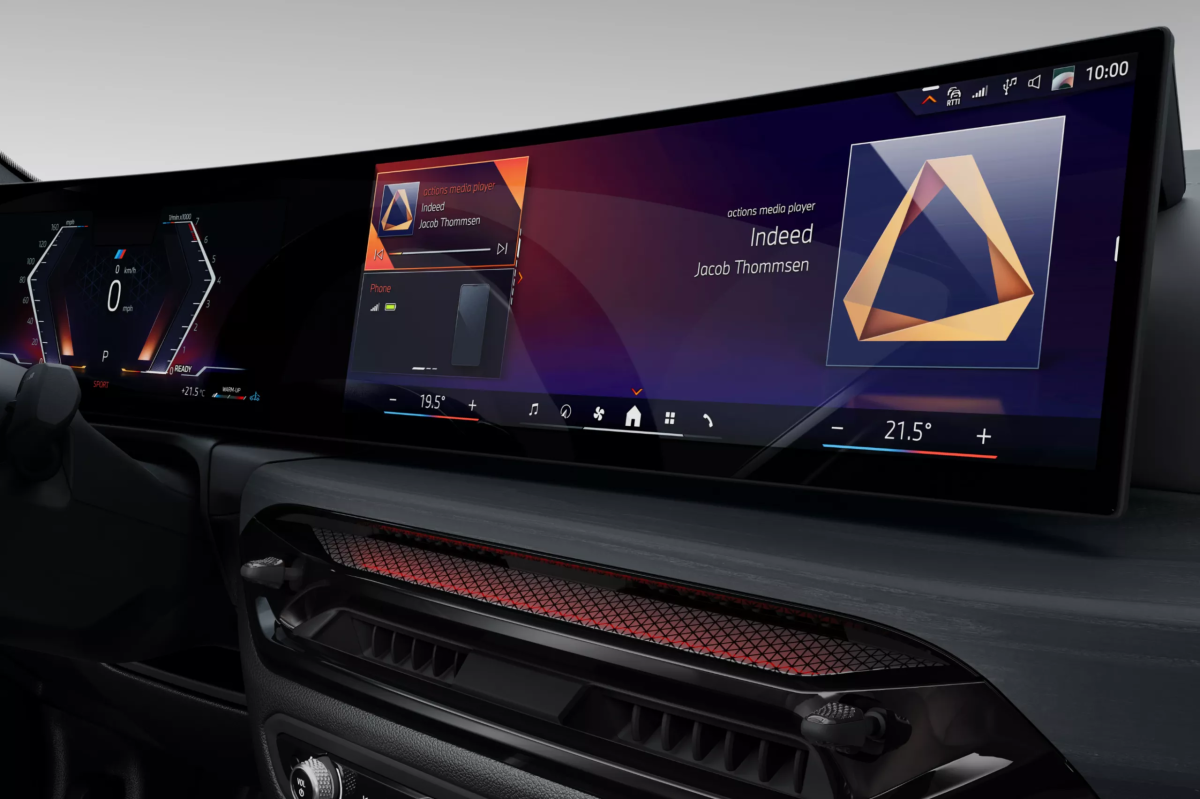
Typical EVO systems feature:
- Modern tile-based home screen
- Smooth animations
- Touchscreen functionality
- Wireless CarPlay support
- Premium interface design
Common BMW Models With EVO
BMW EVO is commonly found in:
- BMW G20 3 Series
- BMW G30 5 Series
- BMW G05 X5
- BMW G01 X3
- BMW 8 Series
- New MINI models
Most EVO systems appeared after 2016.
BMW CIC vs NBT vs EVO Comparison
| Feature | CIC | NBT | EVO |
|---|---|---|---|
| Years | 2008–2012 | 2013–2016 | 2016+ |
| UI Design | Old | Modern | Premium Modern |
| Processing Speed | Slow | Medium | Fast |
| Factory CarPlay | No | Limited | Yes |
| Wireless CarPlay | No | Limited | Yes |
| Touchscreen | No | Some Models | Yes |
| Graphics Quality | Basic | Improved | Advanced |
| AI Box Compatibility | Yes | Excellent | Excellent |
Which BMW Models Use CIC, NBT, and EVO?
One reason BMW CIC vs NBT vs EVO is important is because BMW owners often search by model rather than system name.
Here’s a quick reference guide.
| BMW Model | Common System |
|---|---|
| E90/E92 | CIC |
| F10 Early | CIC |
| F30 | NBT |
| F15 X5 | NBT |
| G20 | EVO |
| G30 | EVO |
| G05 X5 | EVO |
If you’re unsure which BMW system you have, checking your production year and interface design is usually the easiest method.
Which BMW System Supports Apple CarPlay?
This is one of the most searched questions related to BMW CIC vs NBT vs EVO.
BMW CIC CarPlay Support
Factory Apple CarPlay:
❌ No
CIC requires aftermarket retrofit modules or AI Box upgrades.
BMW NBT CarPlay Support
Factory CarPlay:
⚠️ Limited
Most NBT systems still require retrofit solutions for Wireless CarPlay and Android Auto.
BMW EVO CarPlay Support
Factory Wireless CarPlay:
✅ Yes
Many EVO systems already support native Apple CarPlay.
However, many BMW EVO owners still upgrade using AI Boxes to unlock:
- YouTube
- Netflix
- Google Play
- Android apps
- TikTok
- Split-screen multitasking
Best BMW CarPlay Upgrade Options
If you’re researching BMW CIC vs NBT vs EVO, there’s a good chance you also want to upgrade your infotainment system.
Today, the most popular upgrade options include:
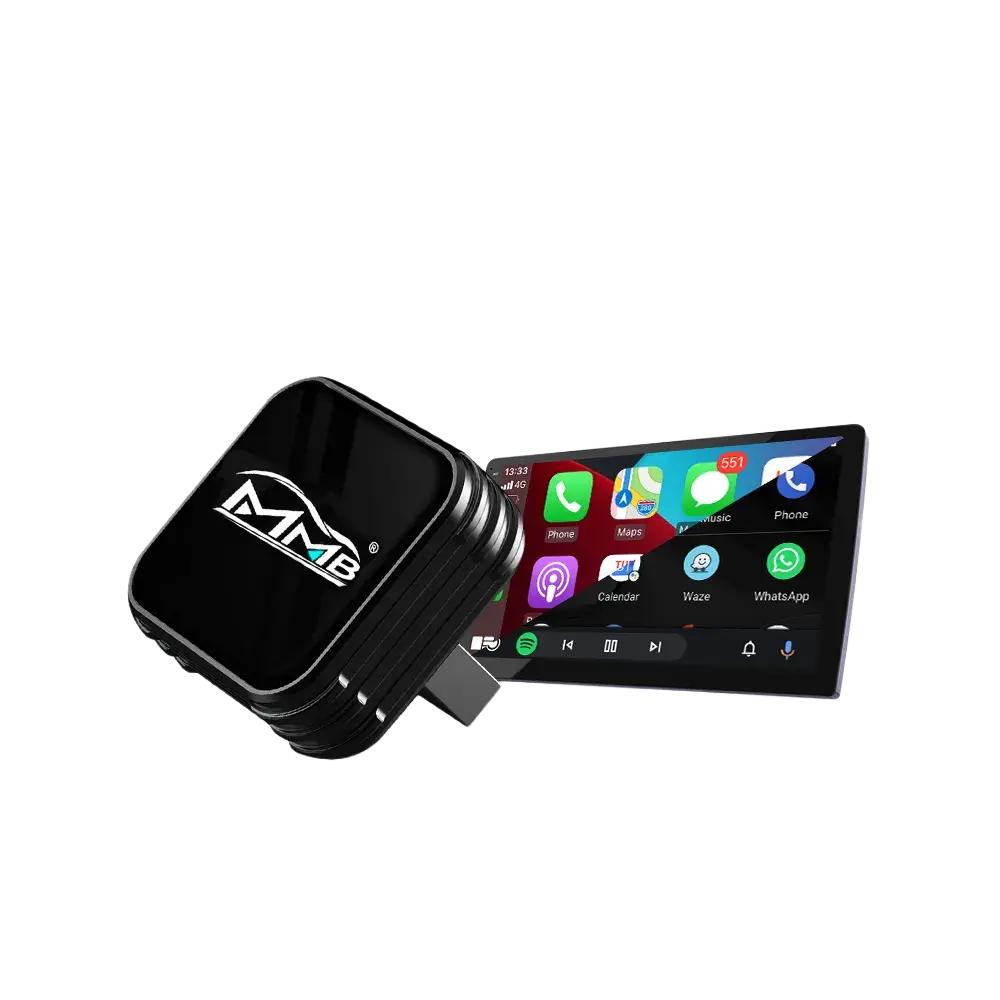
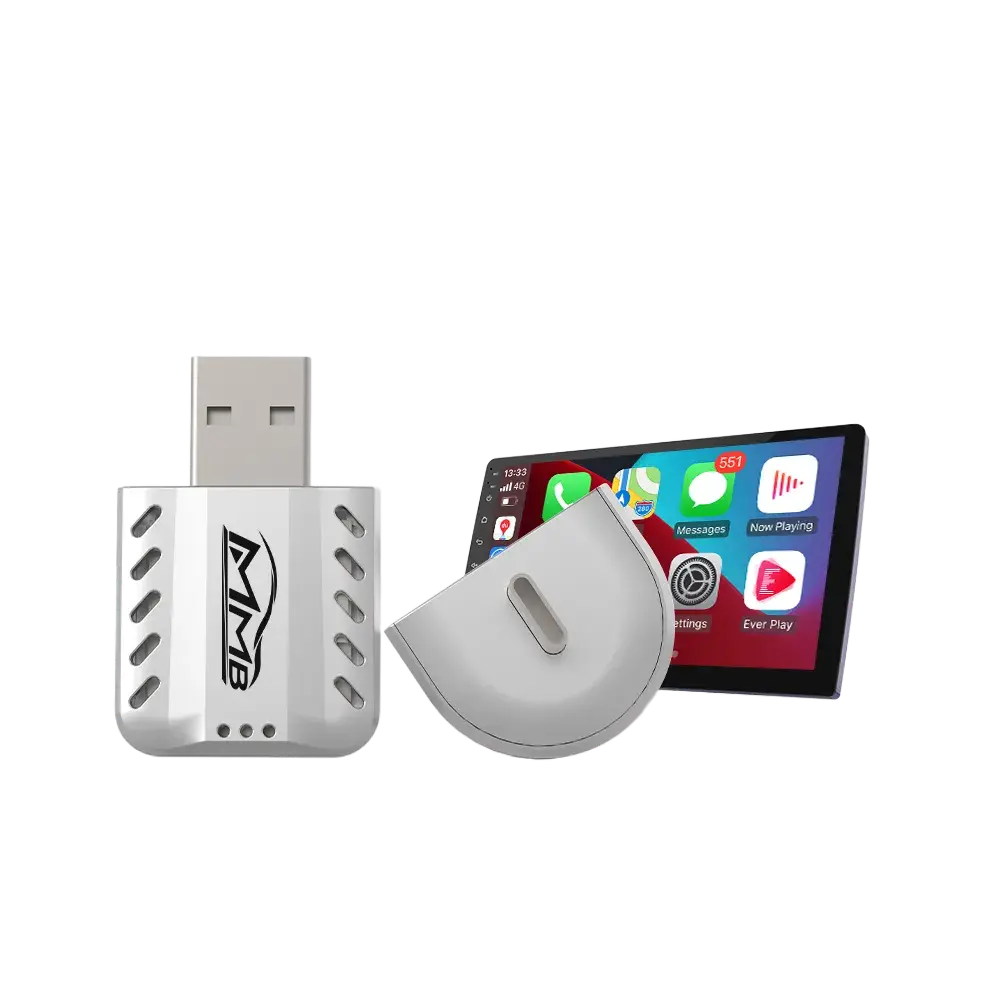
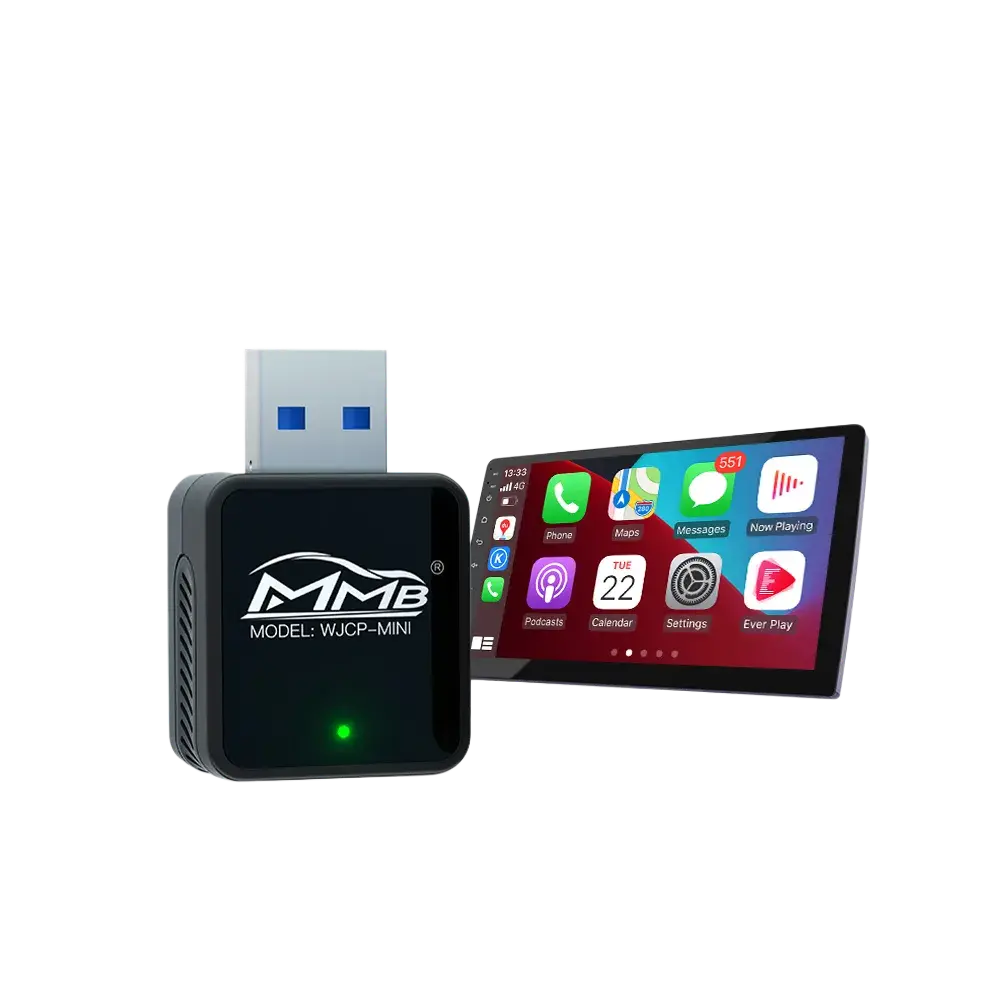
Wireless CarPlay Retrofit Module
Perfect for:
- CIC
- NBT
Adds:
- Wireless Apple CarPlay
- Wireless Android Auto
- OEM-style integration
BMW AI Box
BMW AI Boxes are one of the fastest-growing upgrade categories.
They allow BMW owners to use:
- Netflix
- YouTube
- Spotify
- TikTok
- Google Maps
- Android apps
while keeping the original BMW screen and iDrive controls.
BMW AI Boxes are especially popular with NBT and EVO systems.
How to Identify Your BMW iDrive Version
If you’re still unsure about BMW CIC vs NBT vs EVO, here are the easiest ways to identify your system.
Method 1: Check the Interface
CIC
- Blue menus
- Older graphics
- Split-screen layout
NBT
- Black interface
- Modern tile design
- Faster response
EVO
- Widget-style layout
- Modern animations
- Wireless CarPlay support
Method 2: Check Production Year
| Year | Likely BMW System |
|---|---|
| 2008–2012 | CIC |
| 2013–2016 | NBT |
| 2016+ | EVO |
Method 3: Check Navigation Version
Go to:
Navigation → Settings → Software Information
BMW often directly lists:
- CIC
- NBT
- EVO
inside the software version information.
Why BMW Owners Upgrade Their iDrive Systems
Modern BMW owners want more than basic navigation.
Many drivers now expect:
- Wireless CarPlay
- Android Auto
- YouTube streaming
- Netflix
- Smart entertainment
- App support
This is why BMW infotainment upgrades continue growing in popularity.
Understanding BMW CIC vs NBT vs EVO helps ensure you purchase the correct upgrade solution for your vehicle.
Final Thoughts
Understanding BMW CIC vs NBT vs EVO is essential before upgrading your BMW infotainment system.
Each system generation has different:
- Hardware
- Software
- CarPlay support
- AI Box compatibility
- Upgrade options
In general:
- CIC is older and requires retrofit upgrades
- NBT offers excellent upgrade flexibility
- EVO provides the most modern BMW experience
If you plan to install Wireless Apple CarPlay, Android Auto, or a BMW AI Box, identifying your BMW system first will save time and ensure full compatibility.
Whether you drive an F30, F10, G30, X5, or X3, understanding BMW CIC vs NBT vs EVO is the first step toward building a smarter and more connected driving experience.
Joyeauto BMW Carplay Interface