
























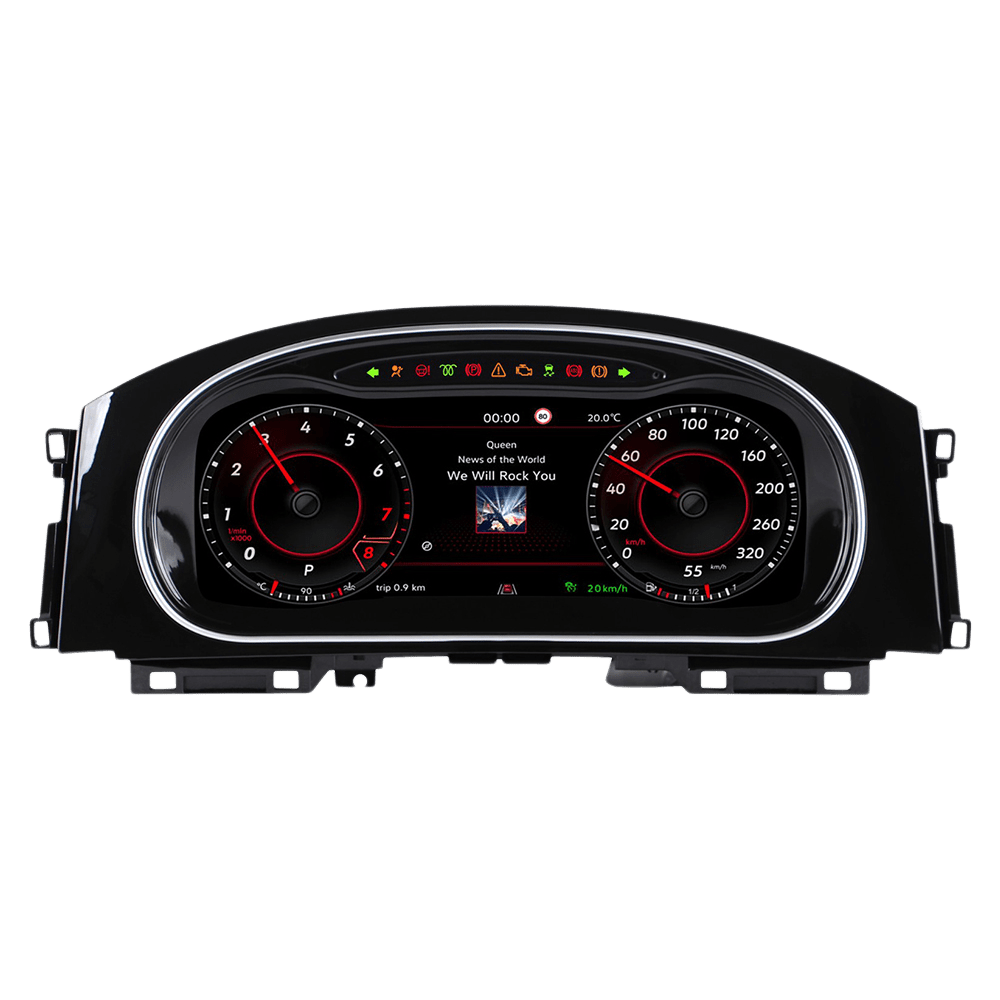
Understanding the BMW Wireless CarPlay Interface Upgrade Hardware.
The BMW driving experience is legendary. Whether it’s the hydraulic steering feel of an E90 or the refined turbocharged power of an F30, these cars are built to last. However, while German engineering ages like fine wine, automotive software ages like milk. If you are driving a BMW from the 2008–2019 era, you likely feel the frustration of an outdated iDrive system. The navigation maps are obsolete, the Bluetooth connection can be flaky, and the lack of smartphone integration feels out of place in 2026.
This is where the BMW Wireless CarPlay Interface Upgrade comes in. You don’t need to spend $80,000 on a new G20 or G30 model just to get modern features. With a Joyeauto interface module, you can inject the latest Apple CarPlay and Android Auto technology directly into your existing dashboard, preserving the classic aesthetics of your BMW while gaining cutting-edge functionality.
1. Understanding the Hardware: Interface Module vs. Cheap USB Dongles
Before diving into the “how-to,” it is crucial to understand what you are installing. In the market, you will find two types of “CarPlay upgrades.”
The “Dongle” (Avoid this for BMWs)
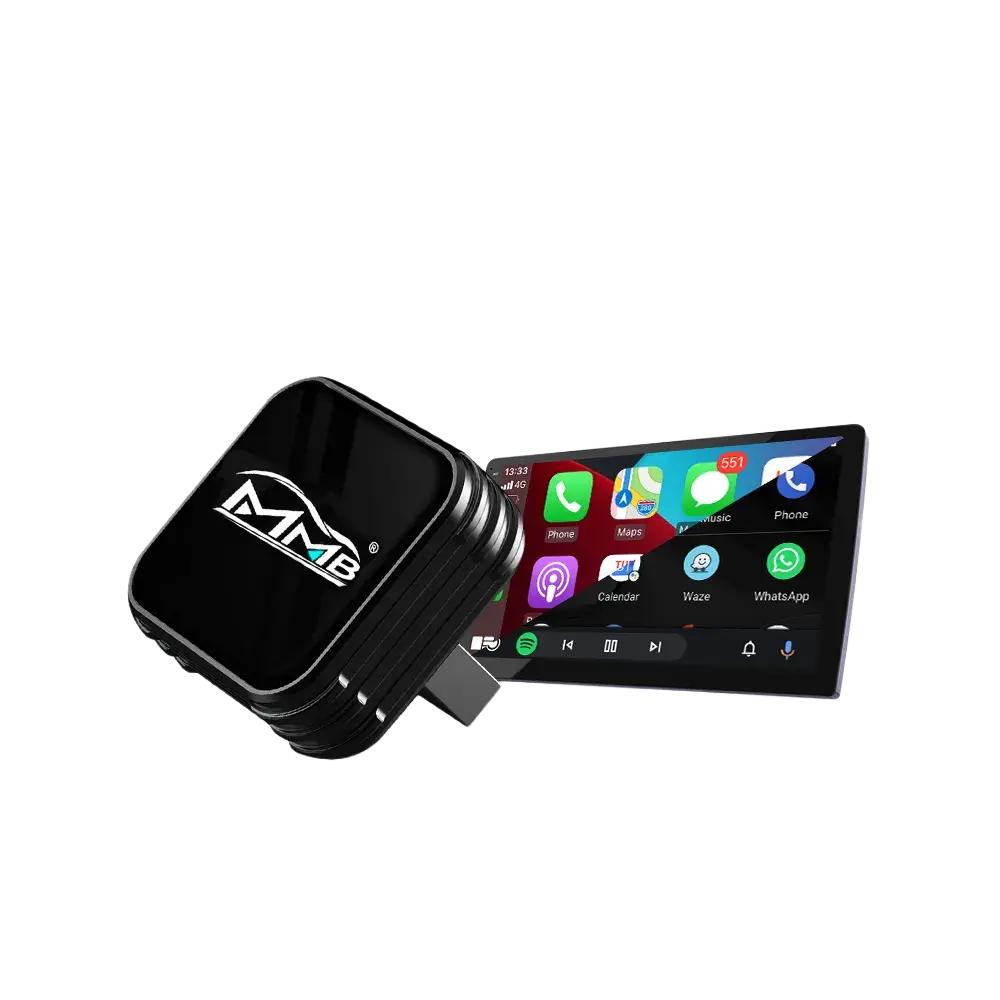
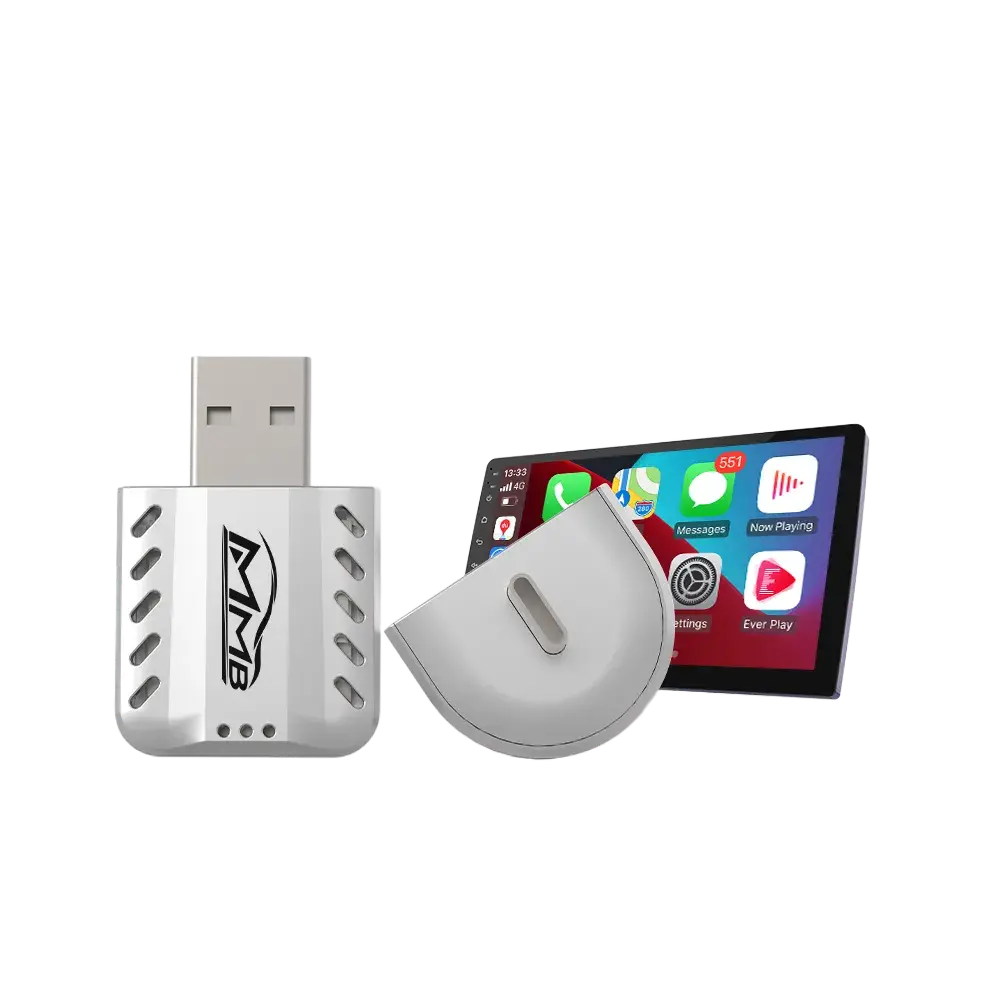
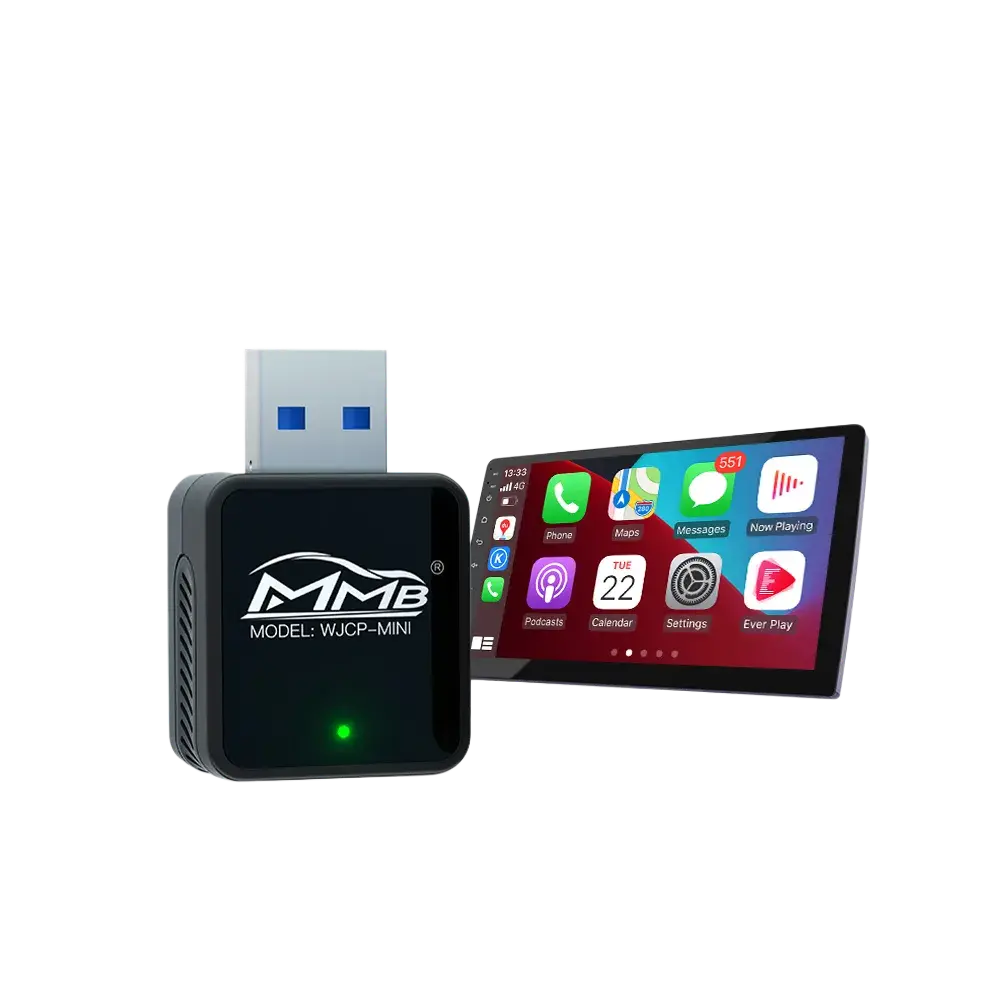
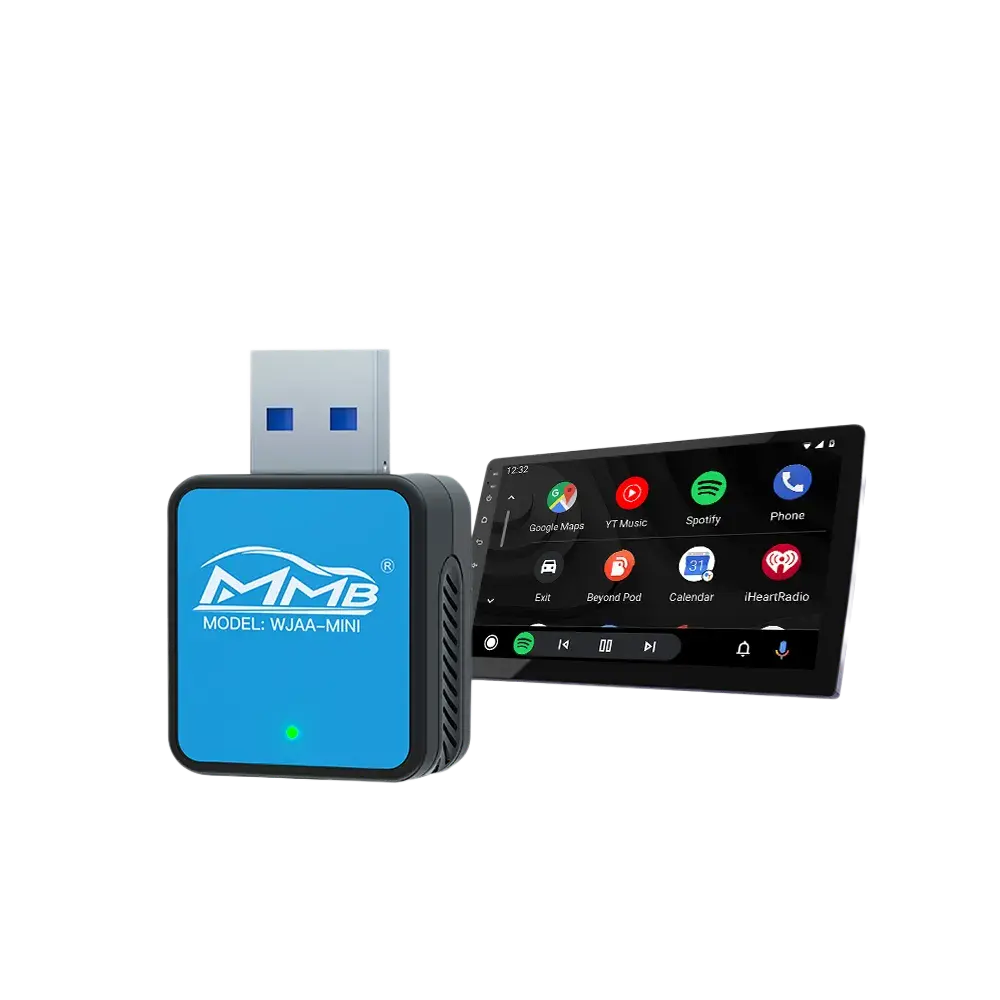
Cheap USB dongles only work if your car already has a modern Android-based head unit or factory CarPlay. They often lag, crash, and provide poor audio quality because they rely on software emulation.
The Joyeauto Interface Module (The Professional Choice)
A true BMW Wireless CarPlay Interface Upgrade is a dedicated hardware box that sits behind your dashboard. It intercepts the video signal to your screen and the input signal from your iDrive controller.
- Dedicated Processing: It has its own CPU and Wi-Fi chip to handle data.
- Hardware Integration: It uses the factory LVDS video cables, ensuring the highest possible resolution.
- Audio Fidelity: It taps into the AUX or Fiber Optic lines to provide lossless or near-lossless audio, critical for those with Harman Kardon or Bang & Olufsen systems.
2. Compatibility Deep Dive: Which iDrive System Do You Have?
The most important step in your SEO journey and purchase process is identifying your system. You can browse our full range of BMW Wireless CarPlay Interface solutions to find the specific module for your vehicle.
The CIC System (2008–2013)
The “Car Information Computer” was a revolution, found in the E90 (3 Series), E60 (5 Series), and E70 (X5).
- The Joyeauto Solution: Our CIC module brings a 2026 tech experience to a 2010 car. It uses a 4-pin LVDS connector and gives your aging screen a second life with high-definition CarPlay icons.
The NBT System (2012–2016)
“Next Big Thing” (NBT) was the mainstay for the F-Series (F30, F10, F15).
- The Joyeauto Solution: This is our most popular upgrade. The NBT interface is incredibly stable and supports the larger 8.8-inch and 10.25-inch professional screens perfectly.
The EVO (ID4/ID5/ID6) System (2016–2019)
Some early EVO systems (ID4) were not powerful enough to run CarPlay smoothly, or BMW charged a high subscription fee for it.
- The Joyeauto Solution: We bypass the subscription model and provide a permanent hardware solution that includes Wireless Android Auto—something many BMW EVO systems still lack. For users looking for even more advanced features like standalone Netflix or YouTube without a phone, check out the MMB BMW AI BOX, a premium multimedia solution for newer BMW models.
3. Key Features of the Joyeauto BMW Upgrade
Wireless Apple CarPlay & Android Auto
The primary reason for this upgrade is convenience. The 5.8GHz Wi-Fi chip ensures that your phone connects within 10–15 seconds of starting the car. No more fumbling with cables or mounting your phone on a vent clip.
Full iDrive Knob & Steering Wheel Control
At Joyeauto, we believe in safety. Our interface allows you to scroll through Spotify playlists or zoom into Waze maps using your original iDrive knob. You can also use the steering wheel “Voice” button to trigger Siri or Google Assistant.
Mirrorlink: YouTube and TikTok in Your Car
While CarPlay restricts video apps for safety, the Joyeauto module includes a Mirrorlink function. When parked, you can cast your phone’s screen to the car display. This is perfect for watching Netflix or YouTube during a charging stop or while waiting in the car.
4. Step-by-Step Installation: Can You Do It Yourself?
When performing a BMW Wireless CarPlay Interface Upgrade, having the right tools is essential for a DIY enthusiast.
Many customers ask if the BMW Wireless CarPlay Interface Upgrade is a DIY project. The answer is yes, if you have basic tools and patience.
- Dash Disassembly: Remove the trim pieces using plastic pry tools to avoid scratching the leather or wood.
- Head Unit Removal: Unscrew the head unit (usually T20 Torx) and pull it forward.
- Bridge the Connection: Unplug the original power harness and LVDS (video) cable. Plug them into the Joyeauto harness, then plug our harness back into the head unit.
- Hide the Module: There is usually ample space behind the glovebox or under the head unit to tuck the compact Joyeauto box.
- Test Before Closing: Turn on the ignition, pair your phone, and ensure the audio and controller are working perfectly.
5. Optimizing Your Audio Experience
To get the best sound from your BMW Wireless CarPlay Interface Upgrade, you must ensure your “AUX” input is selected in the original iDrive menu. Joyeauto’s internal DSP (Digital Signal Processor) allows you to adjust the bass, treble, and mid-tones specifically for the CarPlay output.
6. Troubleshooting Common Questions
- “Will this drain my battery?” No. The Joyeauto module is designed to power down completely when the car’s CAN-bus goes to sleep (usually 5–10 minutes after locking the car).
- Many owners ask if a BMW Wireless CarPlay Interface Upgrade will affect the car’s electronics.
- “Does it affect my factory warranty?” Since it is a “Plug and Play” system with no wire cutting, it is generally considered safe. However, we always recommend removing it before major dealership service if you are concerned about strict lease terms.
- “What about my original BMW system?” It stays 100% intact. By holding the “BACK” or “MENU” button for 3 seconds, you can switch back to the original BMW iDrive screen to check vehicle settings.
7. Conclusion: The Best Investment for Your BMW
Upgrading your BMW Wireless CarPlay Interface is more than just a tech luxury; it’s a safety and value upgrade. It keeps your eyes on the road by using voice commands and increases the resale value of your vehicle.
As a leader in automotive electronic solutions, Joyeauto is committed to providing the highest quality modules. Check out our latest BMW Interface Collection to start your journey.
Choosing the right BMW Wireless CarPlay Interface Upgrade ensures your vehicle stays modern and connected.
Don’t Miss Our Spring Sale!
Ready to transform your drive? Take advantage of our Spring Sale! Use your voucher to get 15% OFF on all orders over $200. Give your BMW the cockpit it deserves today.
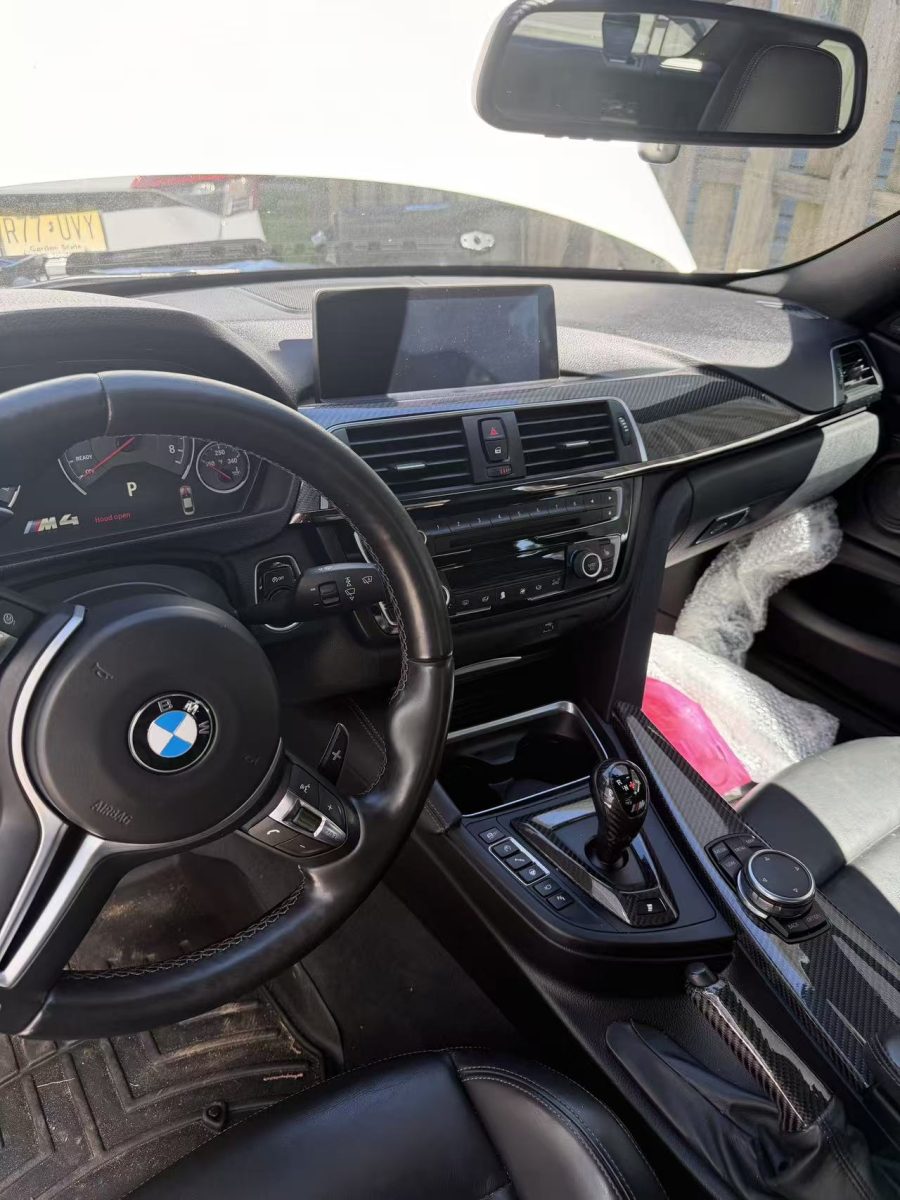
Customer submission: Waiting for the BMW Wireless CarPlay Interface Upgrade to transform this classic BMW cockpit.