
























BMW wireless CarPlaynot working?

Many BMW owners encounter the issue where BMW wireless CarPlay is not working, even when their vehicle looks modern and supports Apple CarPlay on paper. This problem is extremely common across different BMW generations, especially when switching from wired to wireless usage or when CarPlay was never properly activated.
BMW first introduced Apple CarPlay in 2016, starting with select models as an optional feature. Over time, it expanded across most of the lineup, and by around 2020, CarPlay became widely available in BMW vehicles equipped with newer iDrive systems. However, wireless CarPlay support and activation still vary depending on hardware version and system configuration.
Why BMW Wireless CarPlay Not Working Happens (3 Main Reasons)
If your BMW wireless CarPlay not working, the issue usually falls into one of the following categories:
1. Older BMW Models Do Not Support Wireless CarPlay
Many older BMW vehicles were not designed with wireless CarPlay hardware. These cars may:
- Only support wired Apple CarPlay
- Or have no CarPlay hardware at all
- Or use older iDrive systems without wireless capability
In this case, the issue is not a bug—it is a hardware limitation. That is why BMW wireless CarPlay not working is very common in pre-2018 or early iDrive models.
✔ Solution: Joyeauto Wireless CarPlay Upgrade
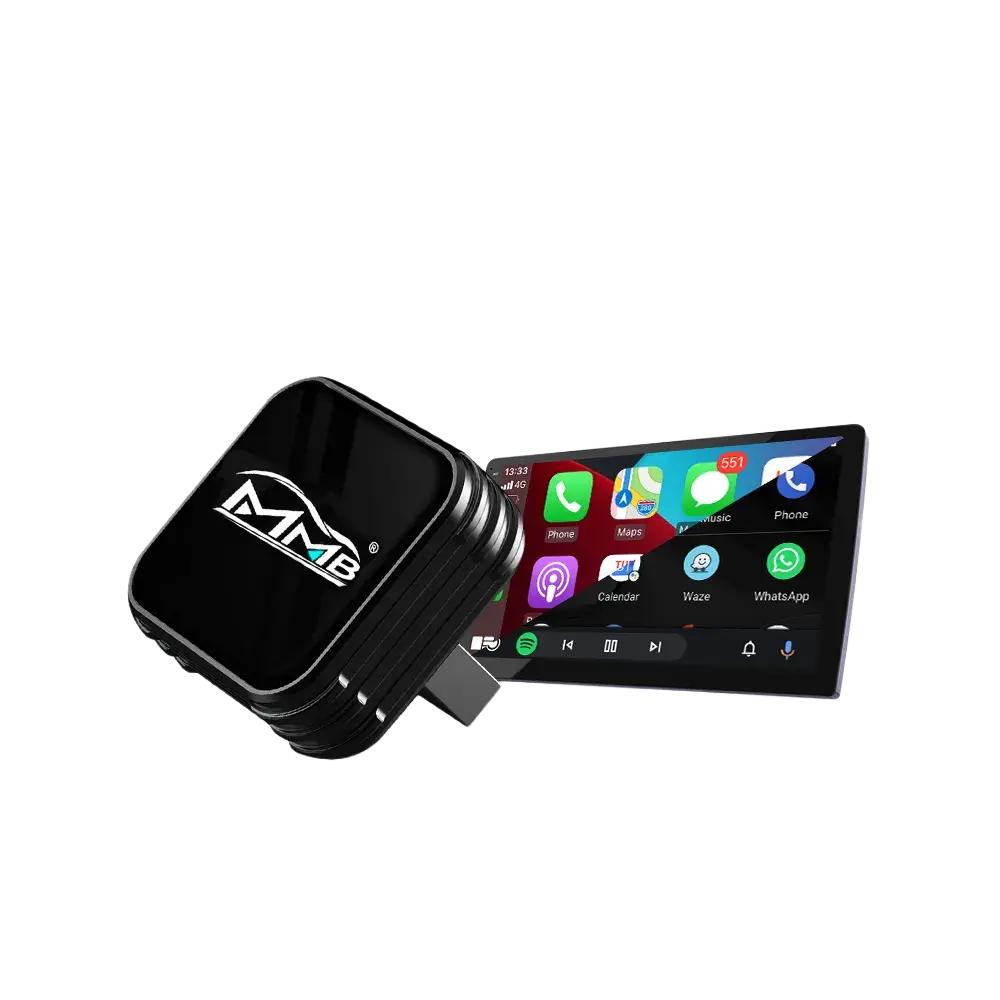
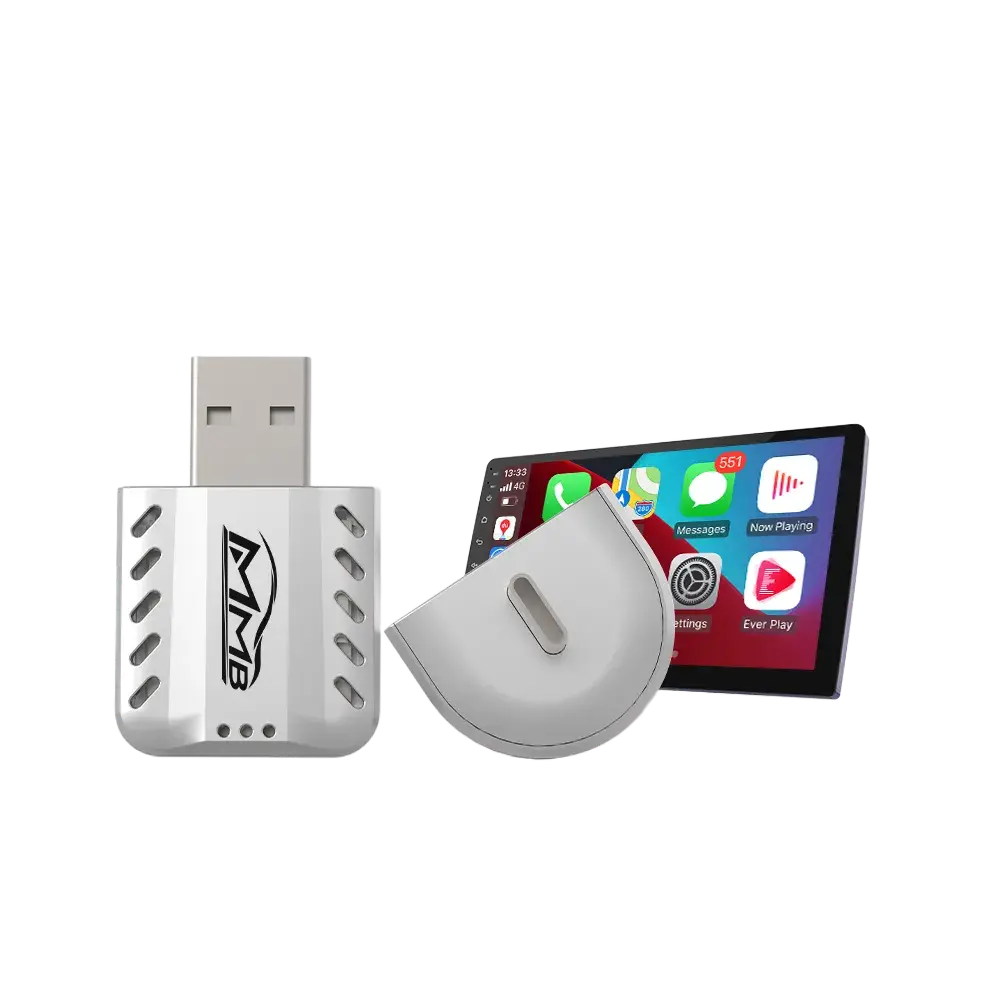
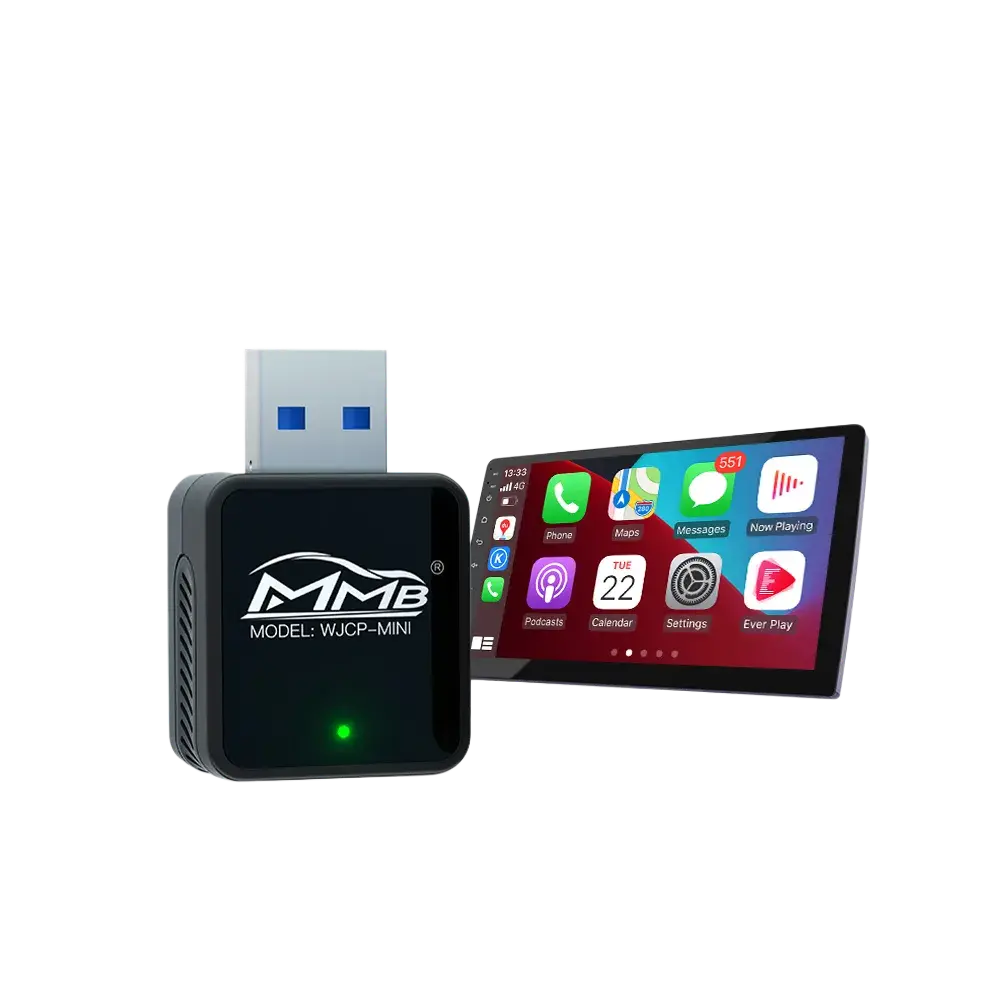
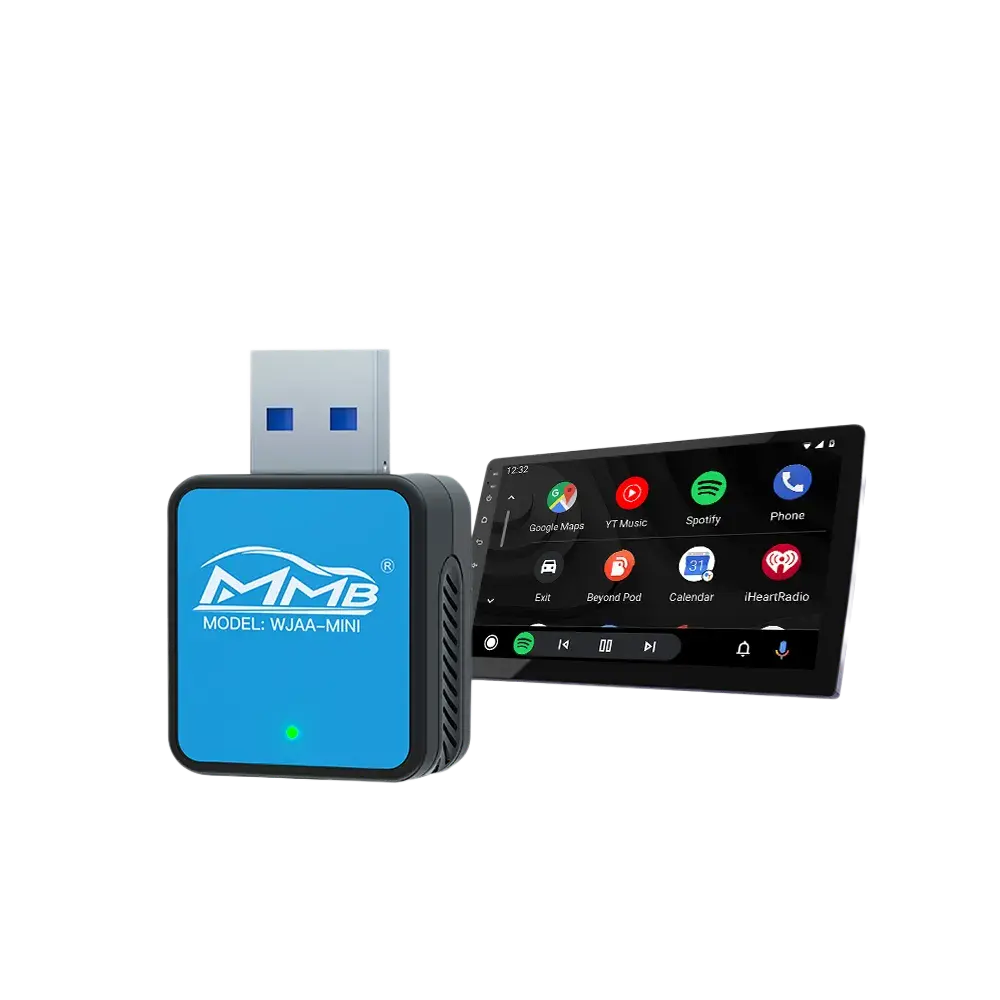
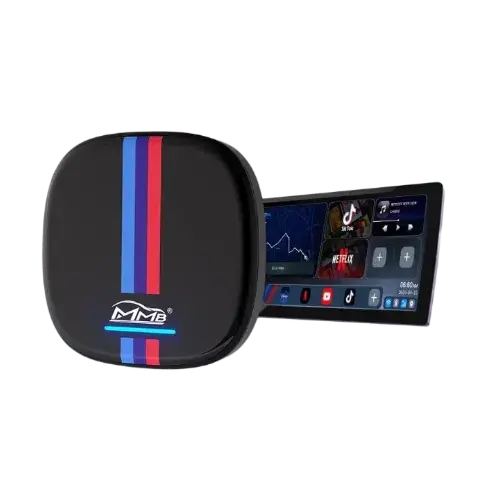
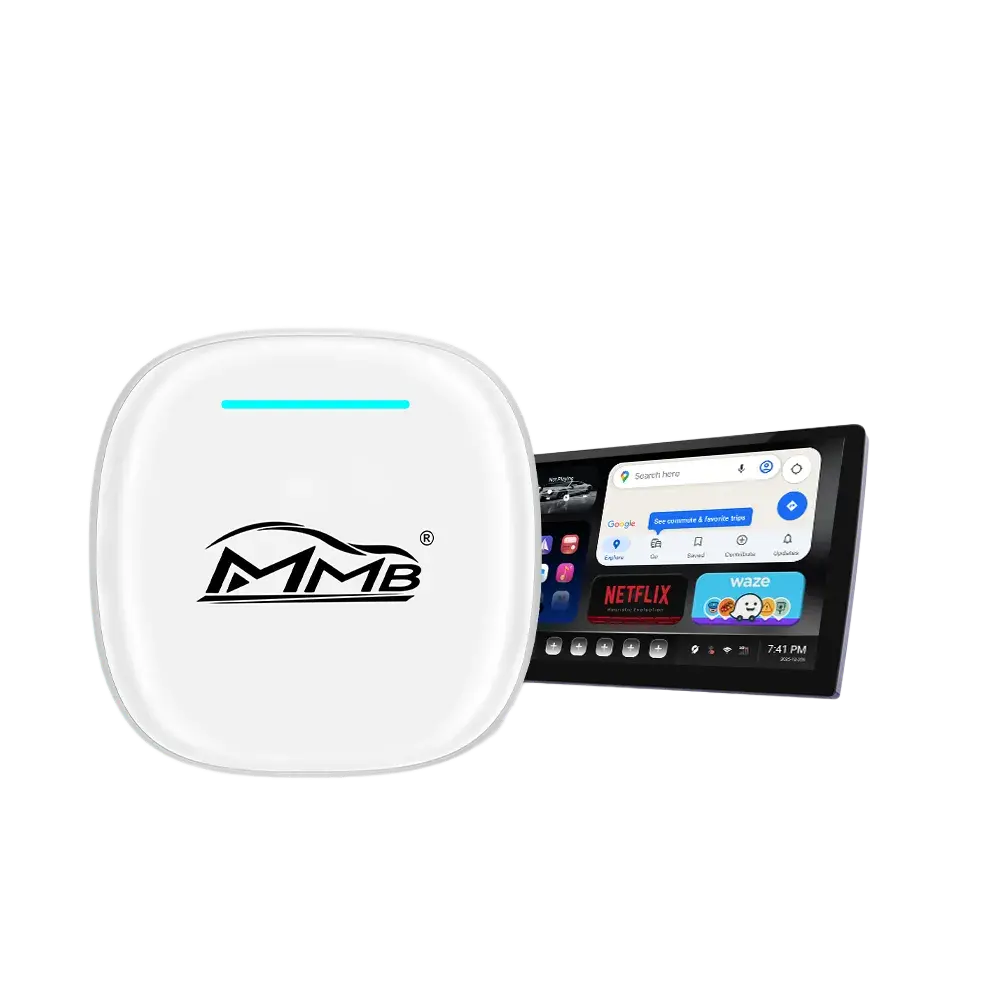
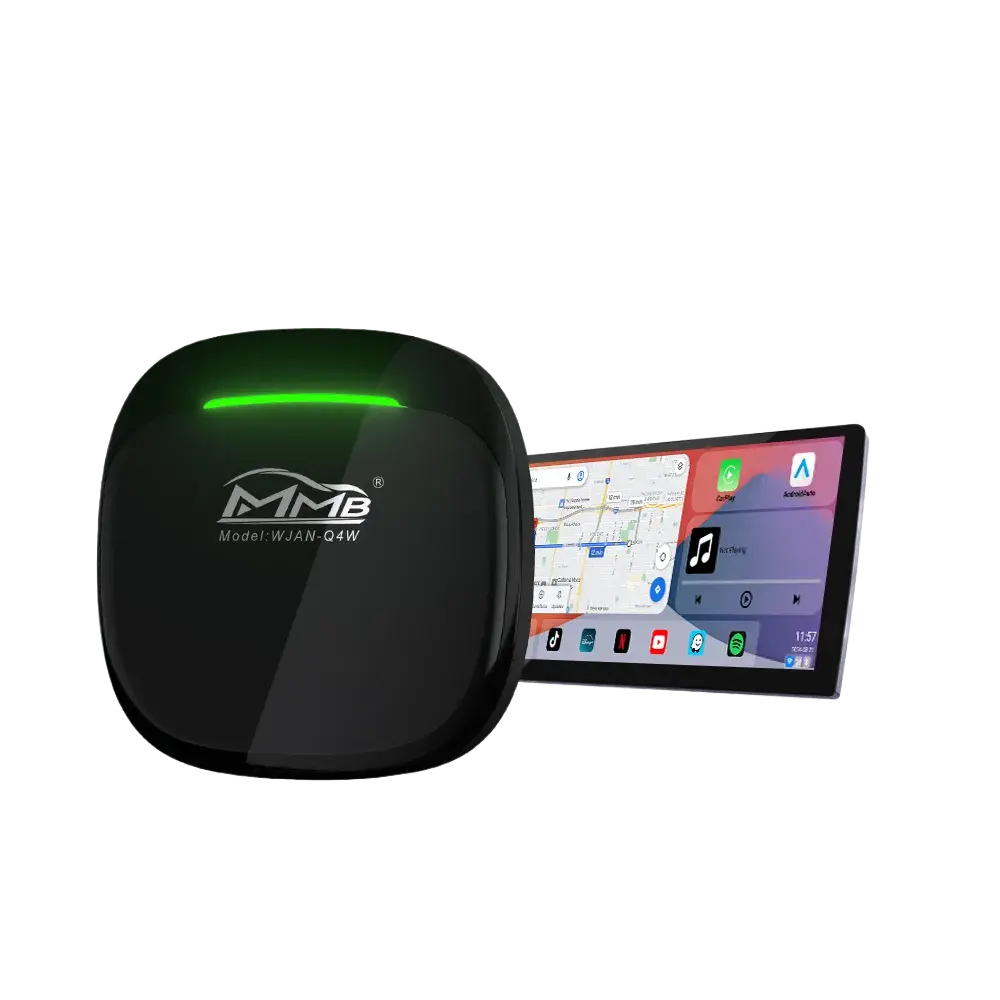
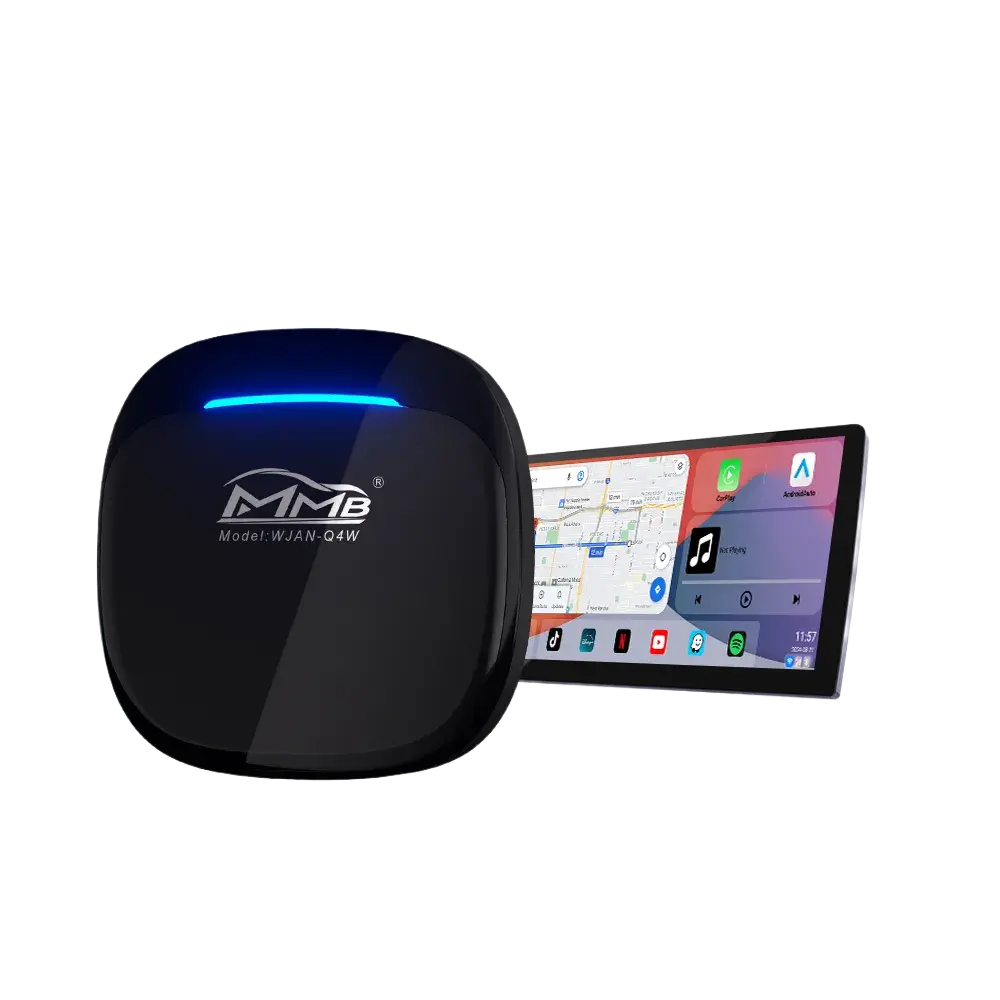
The most effective solution is installing a Joyeauto wireless CarPlay AI Box or adapter.
It provides:
- Wireless Apple CarPlay upgrade
- Plug-and-play installation
- No need to replace original BMW screen
- Full OEM system retention
- Navigation, music, calls, apps support
This is a non-destructive upgrade solution, especially designed for older BMW models.
2. CarPlay is Already Installed but Not Activated
In many BMW vehicles, Apple CarPlay is already built into the system but is disabled or not activated by default.
This often happens due to:
- Dealer not enabling CarPlay during delivery
- Region-based software restrictions
- Factory-disabled iDrive features
In this situation, users often assume BMW wireless CarPlay not working, but in reality, the feature is just hidden.
✔ Solution: OBD Coding or Dealer Activation
If your BMW supports CarPlay hardware-wise, you can try:
- OBD coding activation tools
- BMW dealer software activation
- Factory system unlock/update
After activation, some BMW models can support wireless CarPlay without additional hardware.
3. Connection or System Conflicts
Sometimes BMW wireless CarPlay not working is caused by:
- Bluetooth pairing conflicts
- WiFi connection issues
- Phone compatibility problems
- iDrive software glitches
These issues may cause CarPlay to disconnect, fail to start, or not appear at all.
Recommended Solution: Joyeauto Wireless CarPlay Upgrade
For most BMW owners—especially those with older vehicles—the most stable and long-term solution is a wireless CarPlay AI Box upgrade from Joyeauto.
It transforms your BMW system into:
- Full wireless Apple CarPlay
- OEM-integrated smart interface
- No screen replacement required
- Stable plug-and-play experience
This is currently one of the most practical solutions for fixing BMW wireless CarPlay not working permanently.
Internal Resources (SEO & Navigation)
You may also want to explore:
- BMW CarPlay upgrade solutions
- Wireless CarPlay adapter compatibility guides
- BMW iDrive system support articles
External Reference
BMW officially began introducing Apple CarPlay around 2016, gradually expanding support across newer models and iDrive systems in the following years.
Contact Support
If you are unsure why your BMW wireless CarPlay is not working or want to check compatibility:
WhatsApp: +86 13165201937
We can help confirm whether your BMW supports activation or requires a hardware upgrade.
FAQ – BMW Wireless CarPlay Not Working
Why is BMW wireless CarPlay not working?
It is usually due to either missing wireless hardware or CarPlay not being activated in the iDrive system.
When did BMW start supporting Apple CarPlay?
BMW first introduced Apple CarPlay in 2016, initially as an optional feature on select models.
Can I fix BMW wireless CarPlay without hardware?
Yes. If CarPlay already exists in your BMW system, it may be activated through coding or dealer software unlock.
Do I need to replace my BMW screen for CarPlay?
No. Solutions like the Joyeauto AI Box work with your original factory screen.
What is the best fix for BMW wireless CarPlay not working?
For older BMW models, a wireless CarPlay AI Box upgrade is the most reliable and complete solution.
Add Apple CarPlay & Android Auto functionality to your older car
Add streaming capabilities (YouTube, Netflix) to cars that support CarPlay.