





















Introduction
CarPlay no sound after JoyeAuto installation is a common issue reported by users after installing aftermarket CarPlay modules. In many cases, both the factory system and CarPlay interface are working normally—video display is fine, switching is smooth—but there is no audio output in CarPlay mode.
This situation can be confusing because everything appears correctly installed. However, CarPlay no sound after JoyeAuto installation is usually not caused by hardware failure. Instead, it is typically related to incorrect audio routing, AUX configuration, CANBUS mismatch, or amplifier communication issues.
This guide explains why CarPlay no sound after JoyeAuto installation happens and how to fix it step by step.
How CarPlay Audio System Works
CarPlay audio is not output directly from the module. Instead, it is routed through the vehicle’s factory audio system.
Apple explains that CarPlay integrates audio, navigation, and apps into the vehicle infotainment system for safe driving interaction Apple CarPlay Official.
When CarPlay no sound after JoyeAuto installation occurs, it means the audio routing path between the CarPlay module and the vehicle amplifier is not correctly established.
Modern vehicle audio systems rely on multiple layers:
- AUX / Media input routing
- CANBUS communication
- Factory amplifier activation
- Fiber optic (MOST) systems in premium cars
If any layer fails, CarPlay no sound after JoyeAuto installation may occur even if the display works normally.
Main Causes of CarPlay No Sound After JoyeAuto Installation
1. Incorrect Audio Source Selection
The most common cause of CarPlay no sound after JoyeAuto installation is incorrect audio source selection.
If the vehicle is still on:
- FM radio
- Bluetooth audio
- OEM media channel
Then CarPlay audio will not output.
The system must be switched to:
👉 AUX or CarPlay audio input mode
2. AUX Not Activated in Factory System
Many vehicles require AUX activation before CarPlay audio can function.
If AUX is disabled:
- CarPlay video works
- But audio is completely silent
- Factory system may also lose audio routing
This is a major reason for CarPlay no sound after JoyeAuto installation.
3. CANBUS Audio Communication Error
CANBUS controls how audio sources are switched inside the vehicle.
If CANBUS decoding is incorrect:
- System cannot switch audio input
- Volume control may not respond
- CarPlay audio remains muted
4. Fiber Optic (MOST) Loop Disruption
Some vehicles (BMW, Mercedes, Audi) use fiber optic MOST systems.
If loop is broken:
- Factory audio stops working
- CarPlay audio also fails
- Entire system becomes silent
This is a serious cause of CarPlay no sound after JoyeAuto installation.
5. Incorrect Module Configuration
JoyeAuto modules require correct configuration settings for:
- Audio output mode
- Vehicle type coding
- Amplifier compatibility
Wrong settings can fully block audio output.
Product reference:
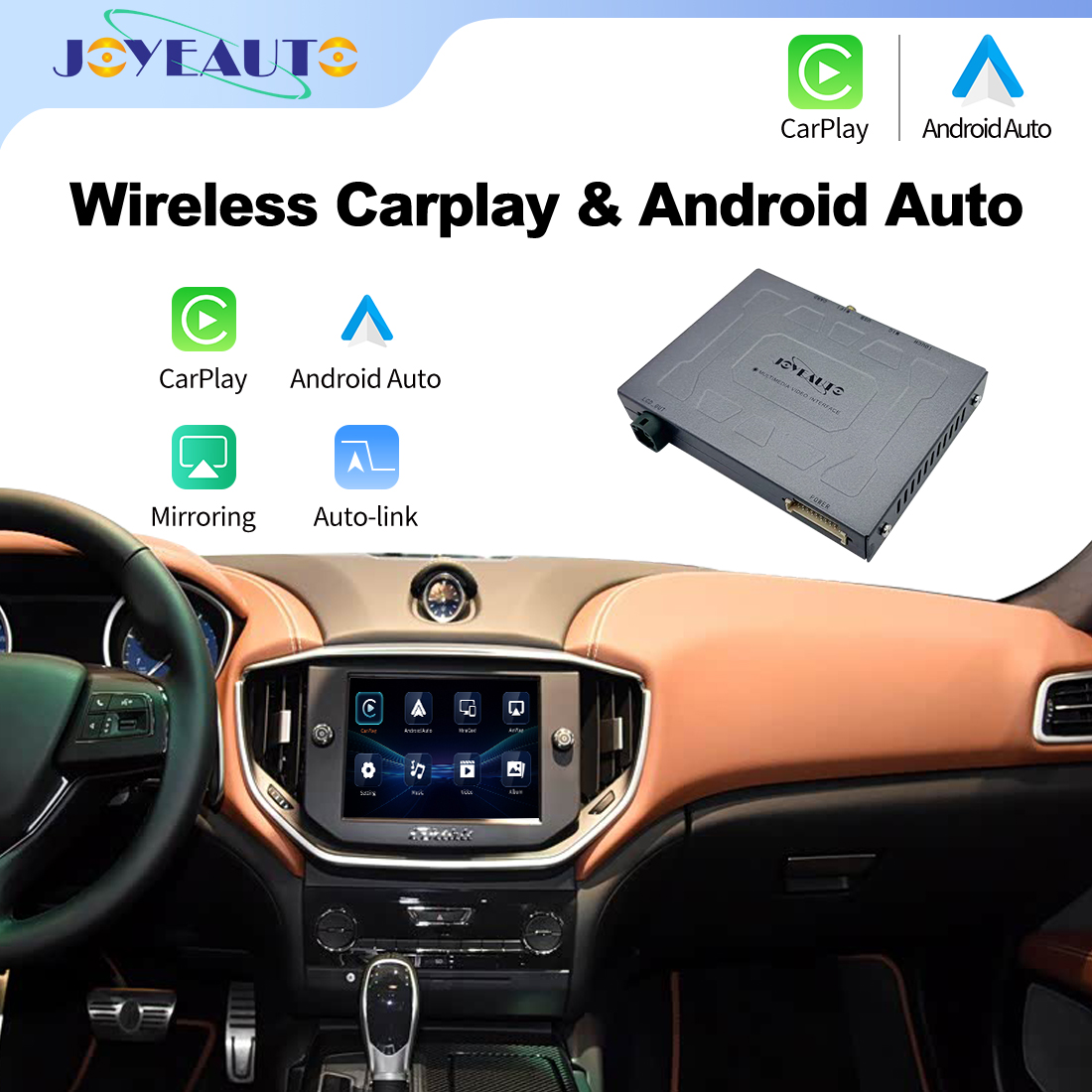
JoyeAuto Shop All
6. Amplifier Wake-Up Failure
Some vehicles use external amplifiers that require a wake-up signal.
If signal is missing:
- System powers on
- Display works normally
- No sound is produced
This is a technical reason behind CarPlay no sound after JoyeAuto installation.
Step-by-Step Troubleshooting Guide
Step 1: Check Volume and Mute Status
Ensure:
- System is not muted
- Volume is not zero
- Steering wheel controls are responsive
Step 2: Verify Audio Source
Switch between:
- AUX
- FM/AM
- CarPlay mode
Correct source selection often resolves CarPlay no sound after JoyeAuto installation.
Step 3: Enable AUX Input
Activate AUX in factory settings if required.
Step 4: Check Fiber Optic Loop
Ensure MOST loop is properly connected (if applicable).
Step 5: Recheck CANBUS Connection
Ensure CANBUS decoder is installed correctly.
Step 6: Reset Module
Factory reset can restore correct audio routing configuration.
Why Factory System Works but CarPlay Has No Sound
If OEM system works normally but CarPlay no sound after JoyeAuto installation occurs:
- Head unit is working
- Power system is stable
- Display is functioning normally
This confirms the issue is not hardware failure.
Instead, the problem lies in:
- Audio routing configuration
- AUX activation
- CANBUS communication layer
External Reference
Modern infotainment systems use layered audio routing and multiplex communication standards Infotainment System Wikipedia.
Internal Link
Conclusion
CarPlay no sound after JoyeAuto installation is rarely a hardware issue. In most cases, it is caused by incorrect audio source selection, AUX activation problems, CANBUS mismatch, or amplifier communication failure.
By systematically checking each layer of audio routing, most users can restore sound without replacing hardware.
FAQ
1. Why is there no sound in CarPlay after installation?
Usually due to AUX or audio source configuration issues.
2. Why does factory system have sound but CarPlay does not?
Because audio routing is not switched correctly to CarPlay input.
3. Do I need coding to fix audio issues?
Some vehicles require CANBUS or AUX activation coding.
4. Can fiber optic cause no sound?
Yes, MOST system issues can disable all audio output.
5. Fastest fix?
Check audio source and AUX settings first.