























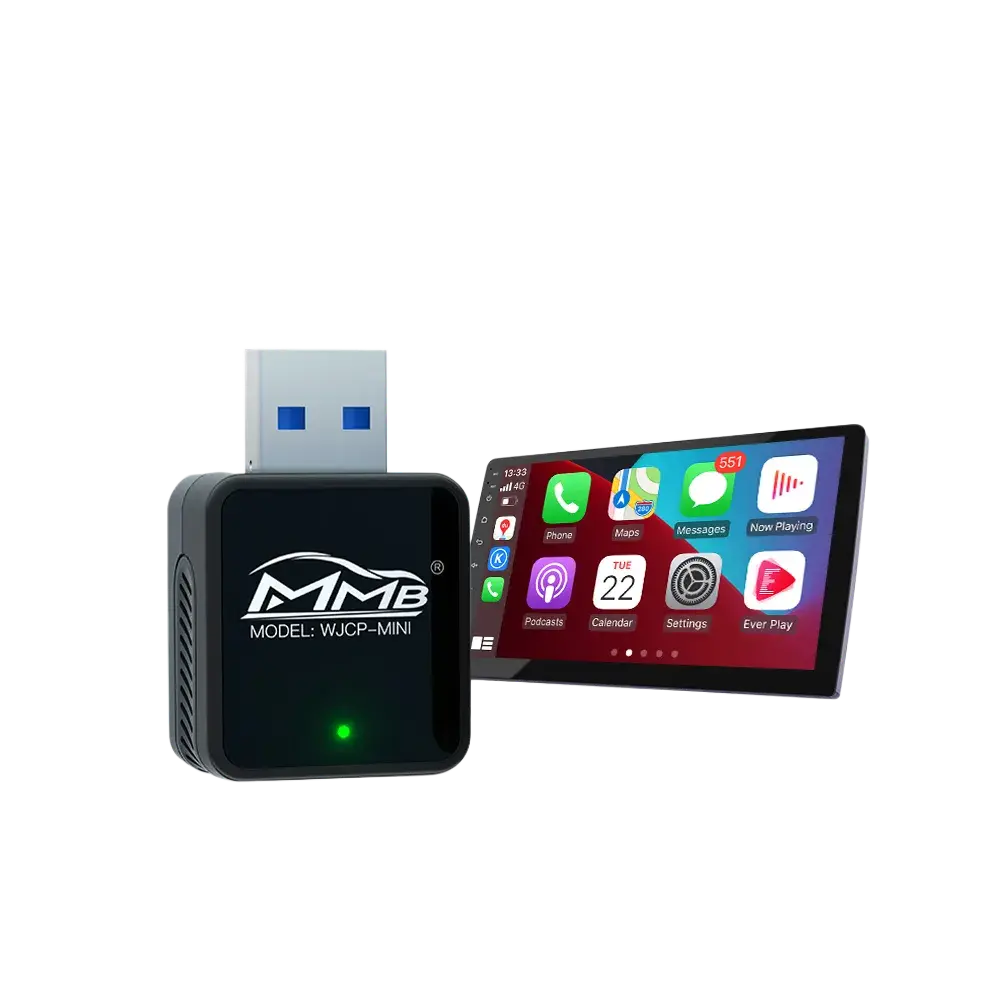
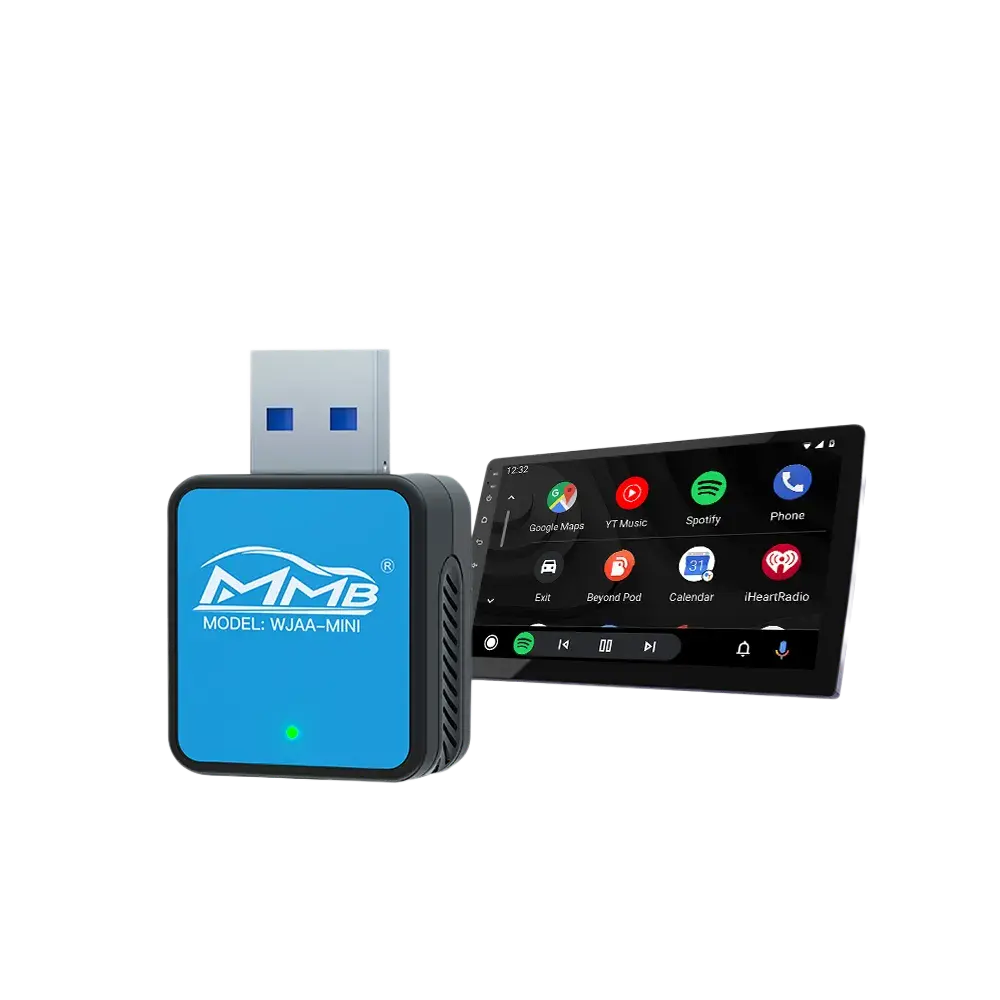
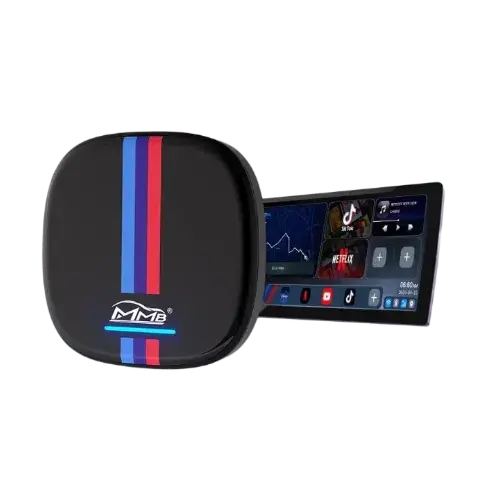
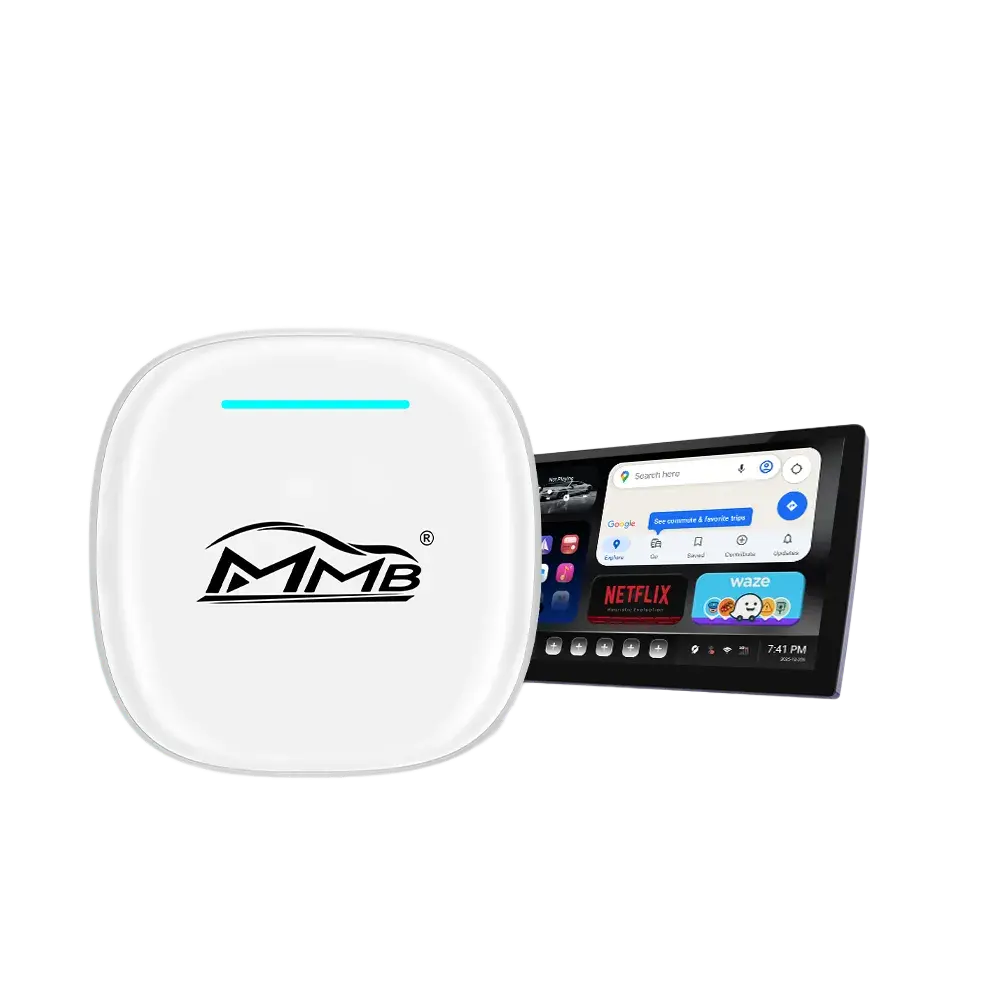
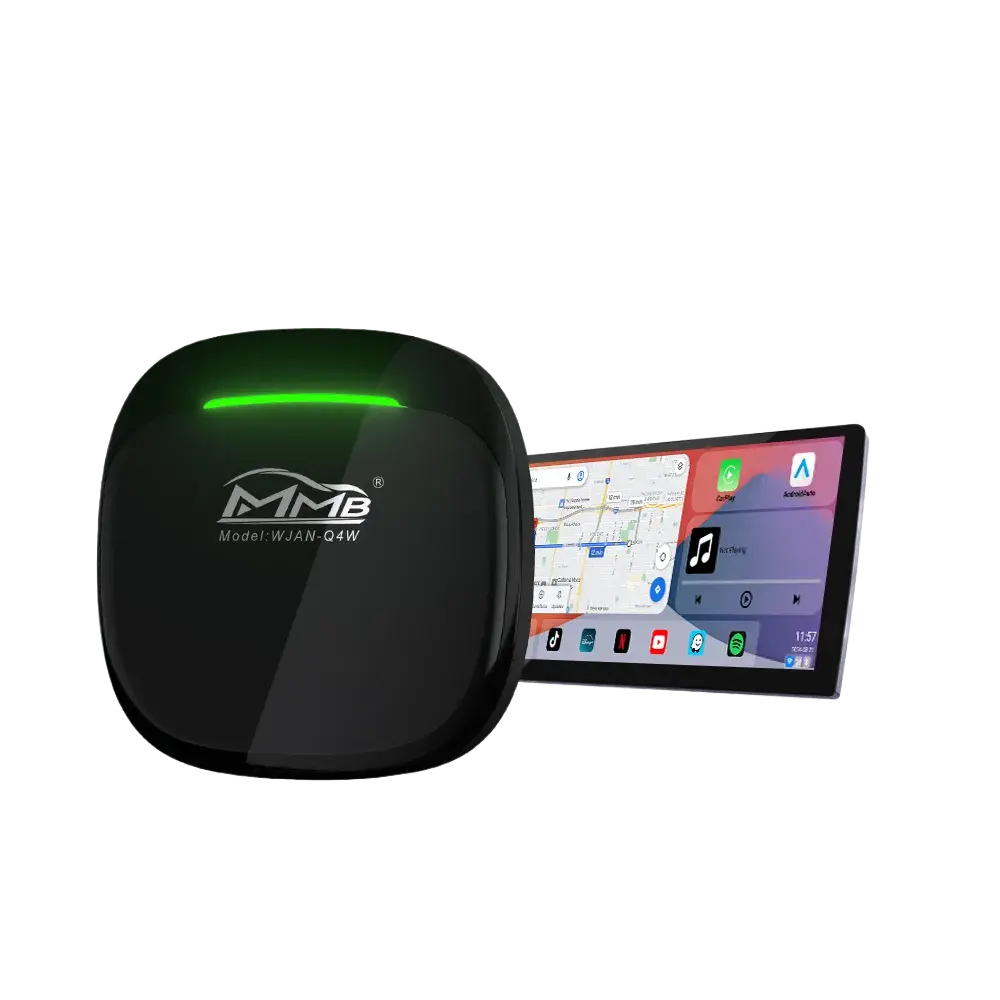
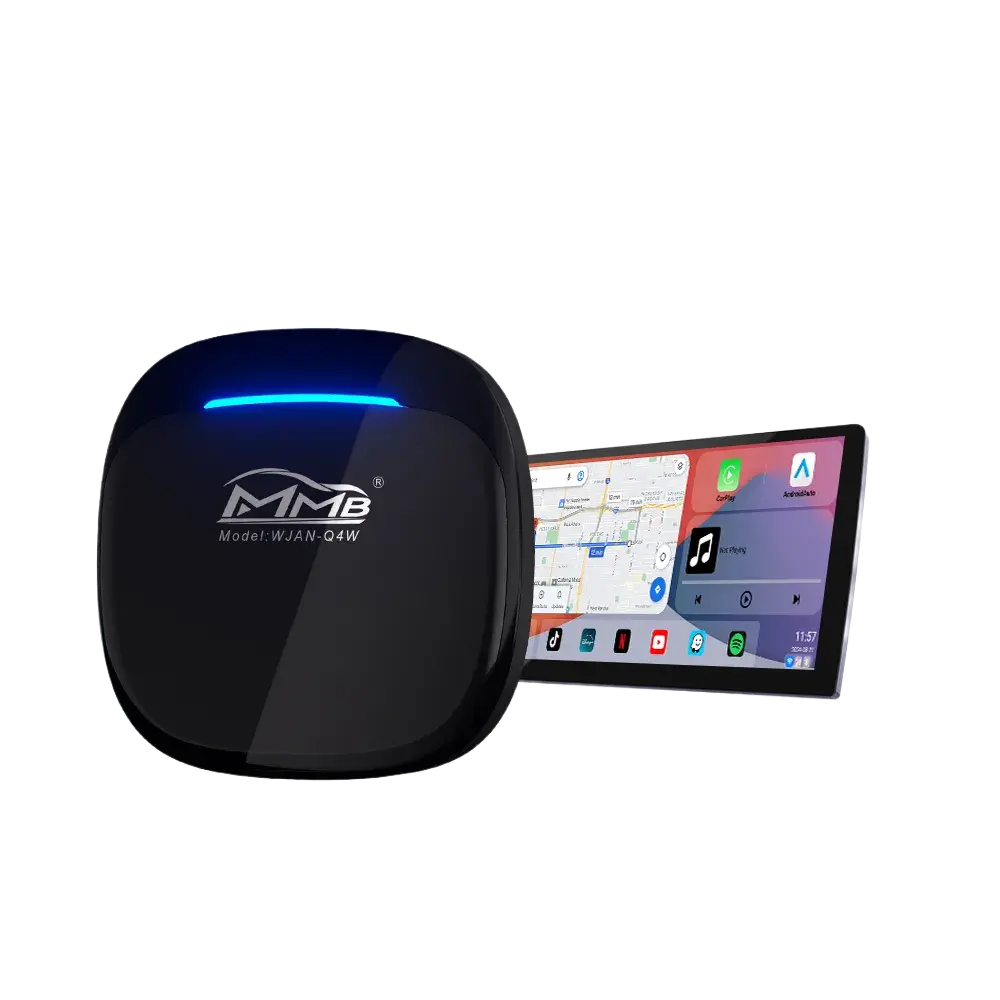
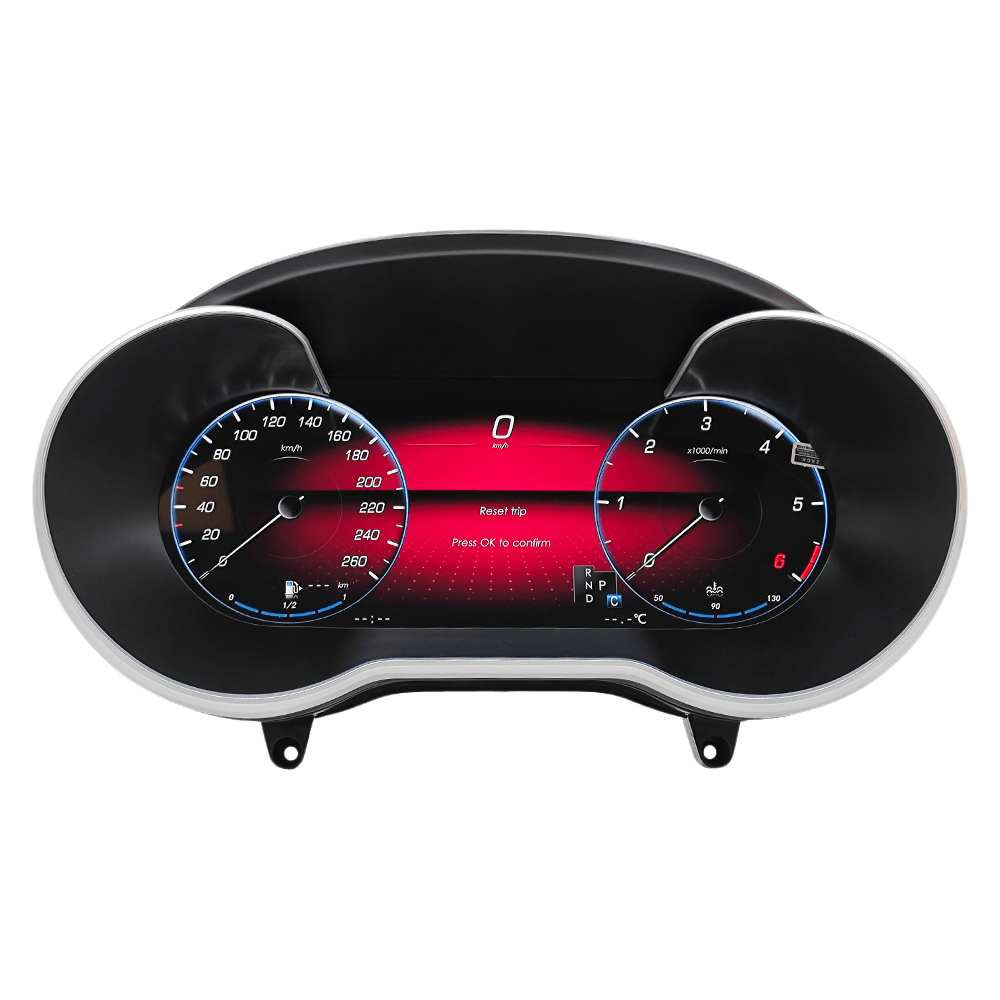
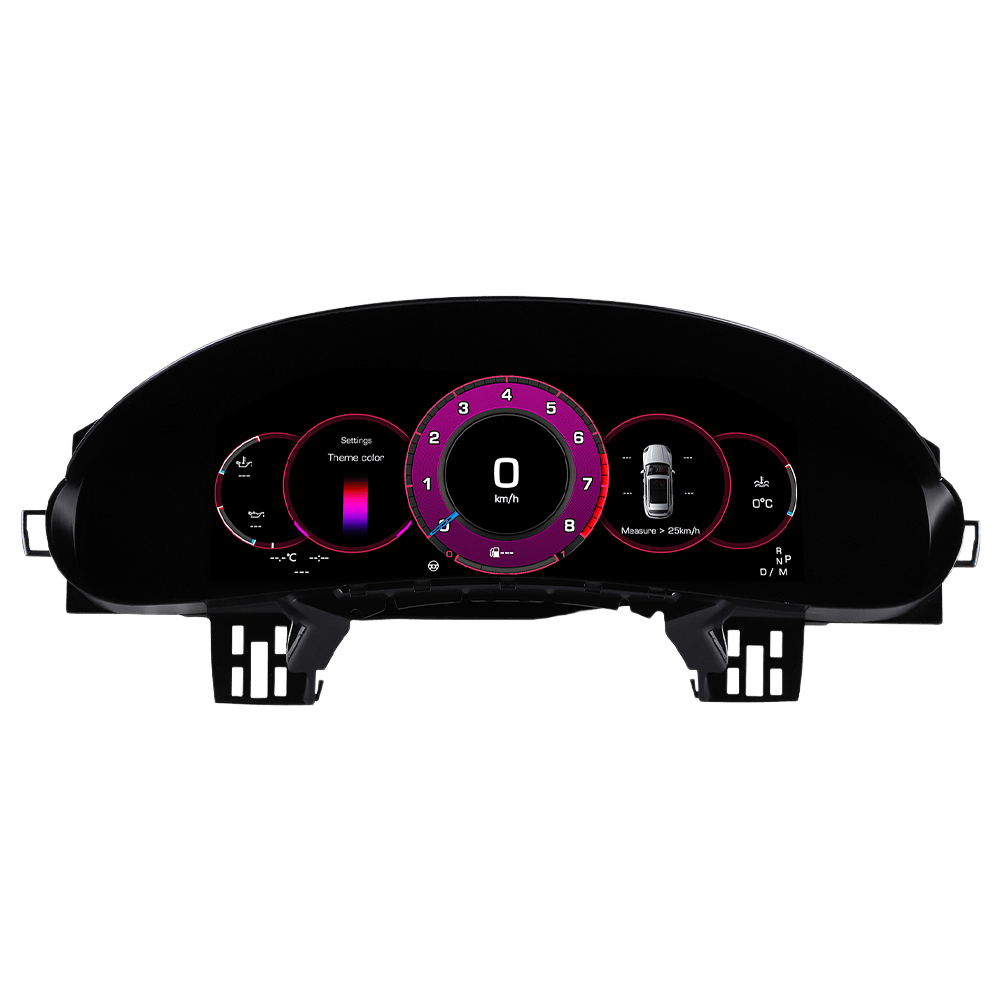
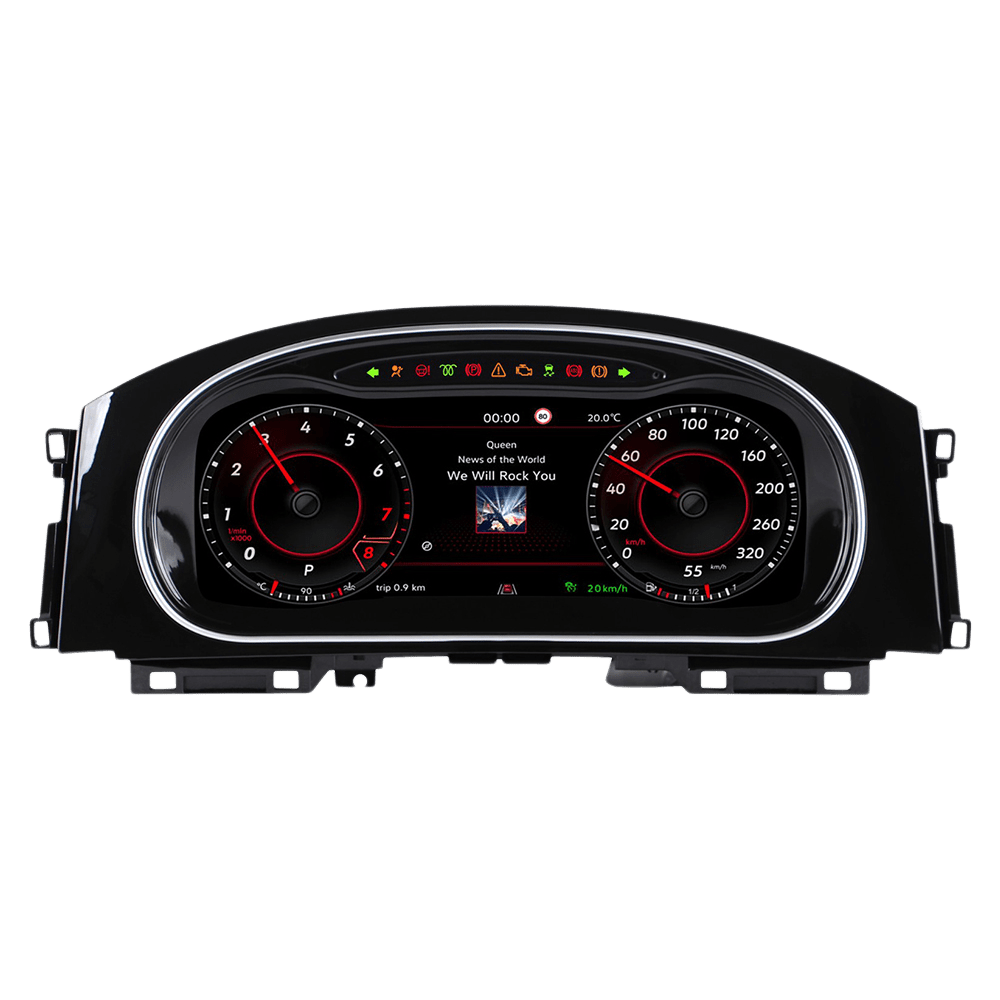
Yes, you can add Apple CarPlay to many cars that did not include it from the factory. The best Apple CarPlay upgrade depends on your vehicle’s model year, original infotainment system, dashboard design, and whether you want to retain the factory screen.
The main options include installing an OEM-style retrofit interface, replacing the original head unit, using a portable CarPlay display, or activating CarPlay through a factory software update when the required hardware is already present.
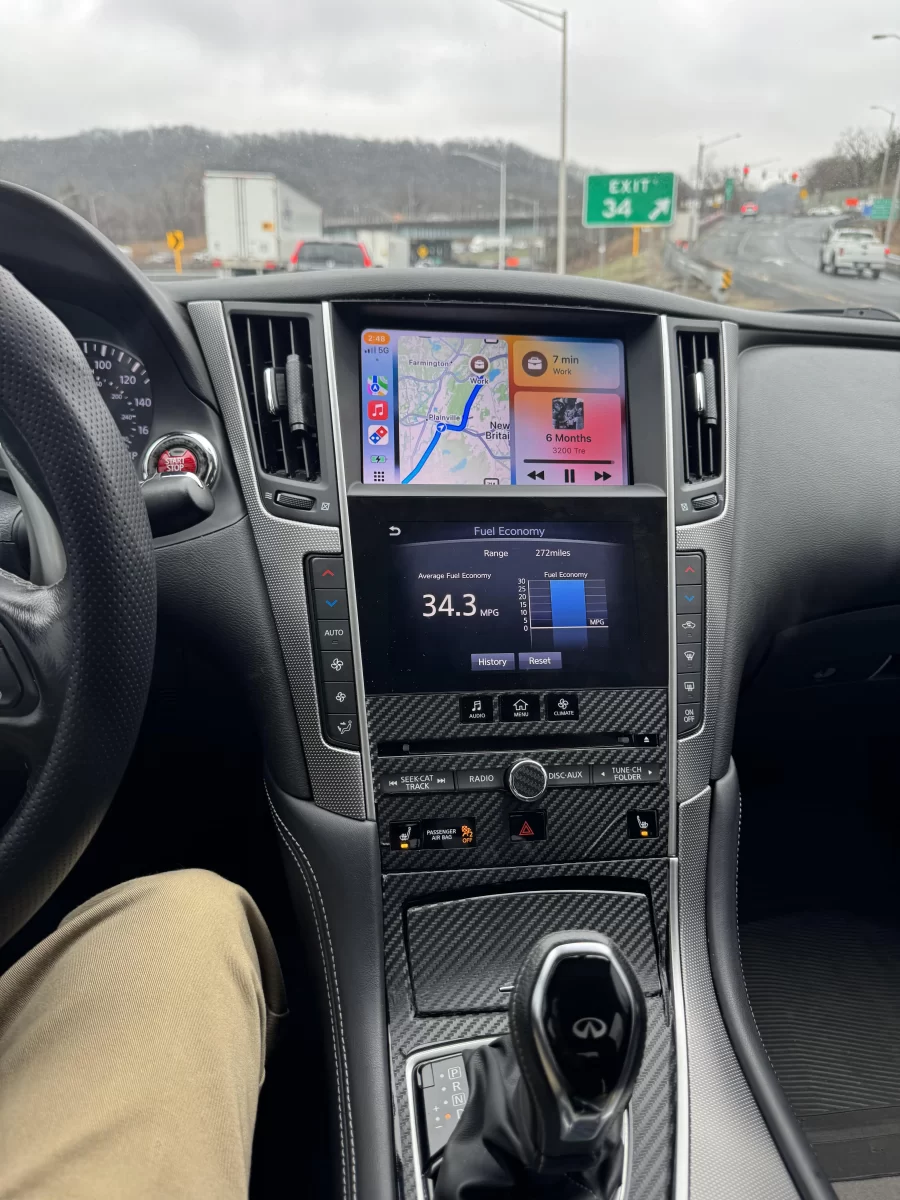
Apple confirms that drivers can add CarPlay to an existing vehicle with an aftermarket system. However, an aftermarket head unit is not the only solution. For many BMW, Audi, Mercedes-Benz, Porsche, Lexus, Infiniti, Jeep, and Land Rover vehicles, a model-specific interface can add wired or wireless CarPlay while preserving the original dashboard.
What Does an Apple CarPlay Upgrade Add to Your Car?
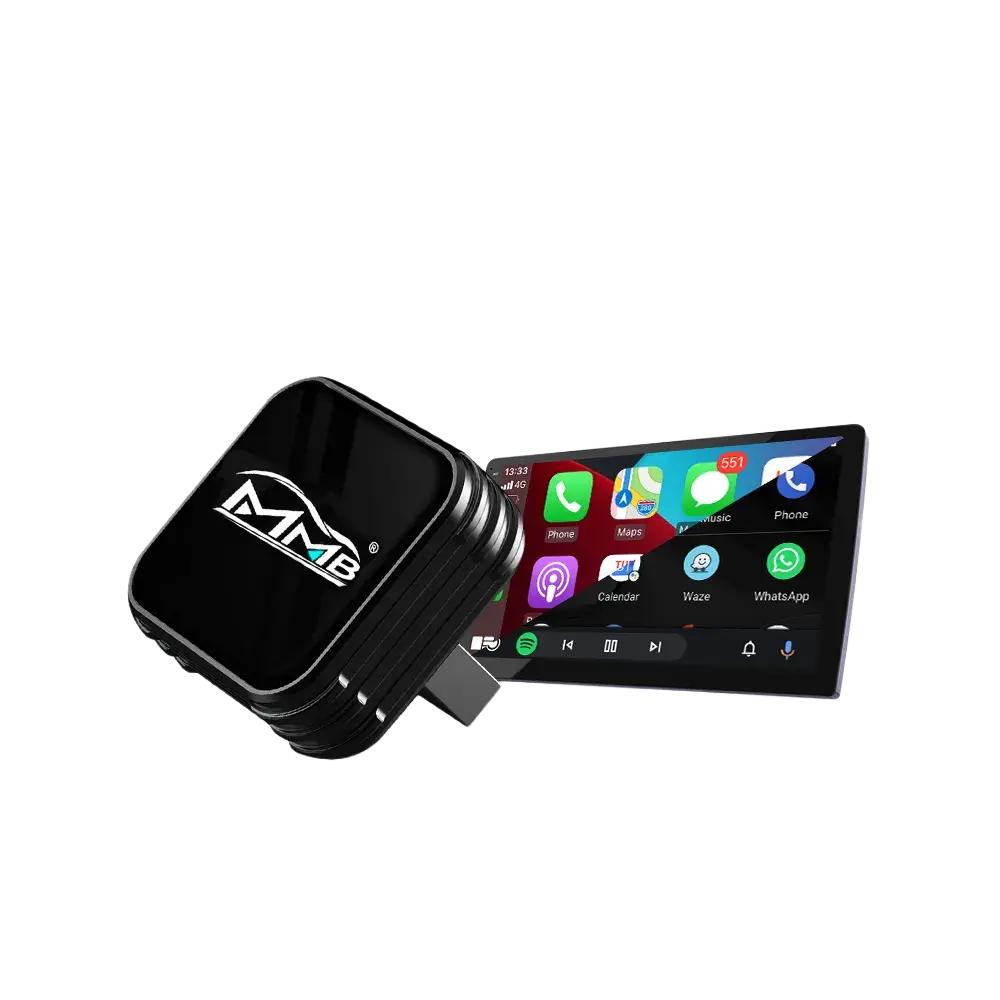
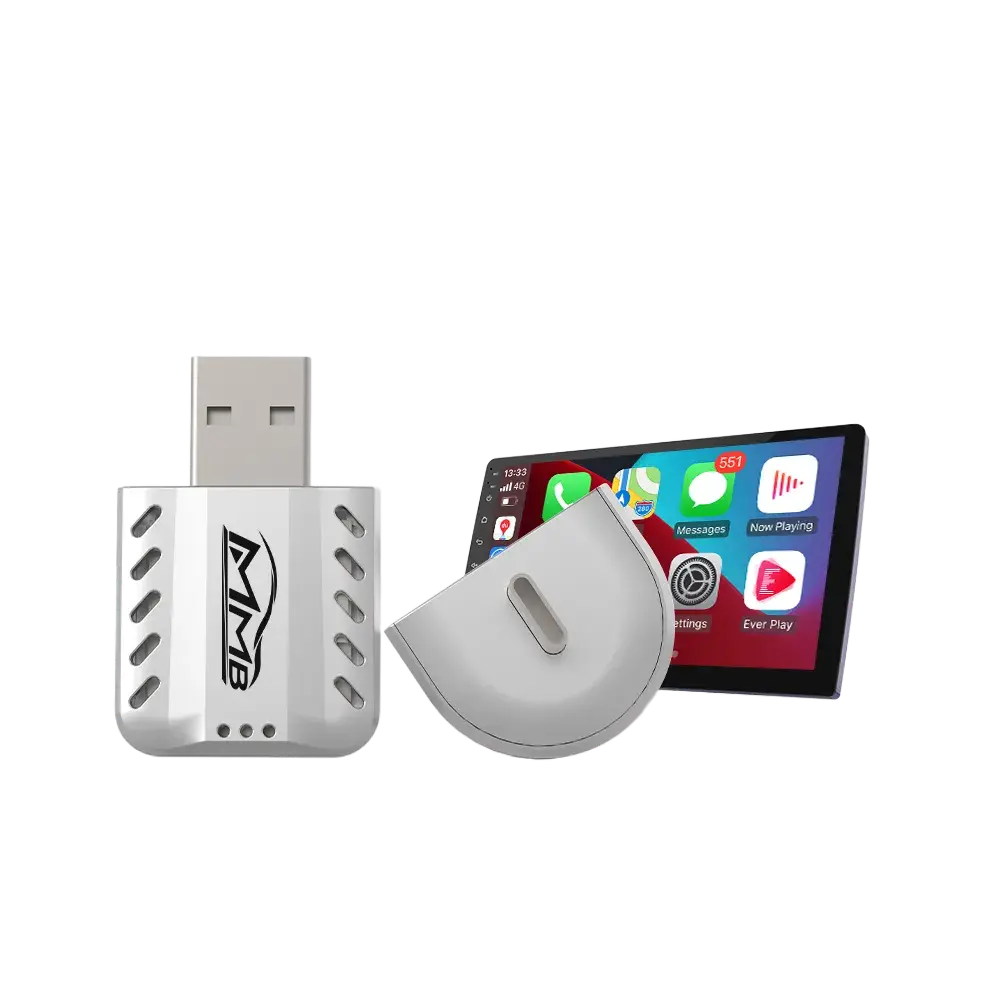
CarPlay displays a driving-focused version of supported iPhone functions on the vehicle’s screen. Depending on the installation and vehicle, you can use it through a touchscreen, factory controller, touchpad, steering wheel buttons, or Siri.
An upgrade can provide access to:
- Apple Maps, Google Maps, and Waze
- Apple Music, Spotify, podcasts, and audiobooks
- Hands-free phone calls and messages
- Siri voice commands
- Calendar information
- Compatible parking, charging, and navigation applications
- Wired or wireless iPhone connectivity
According to Apple’s CarPlay developer documentation, CarPlay is designed to help drivers get directions, communicate, and play music while remaining focused on the road. Apple also explains that CarPlay supports different vehicle controls and screen configurations, including touchscreens, knobs, and touchpads.
An Apple CarPlay upgrade does not usually replace the iPhone’s operating system or permanently modify the car’s original menus. Instead, it creates an additional interface that works alongside the factory infotainment system.
Four Ways to Add Apple CarPlay to an Older Car
1. Install an OEM-Style CarPlay Retrofit Module
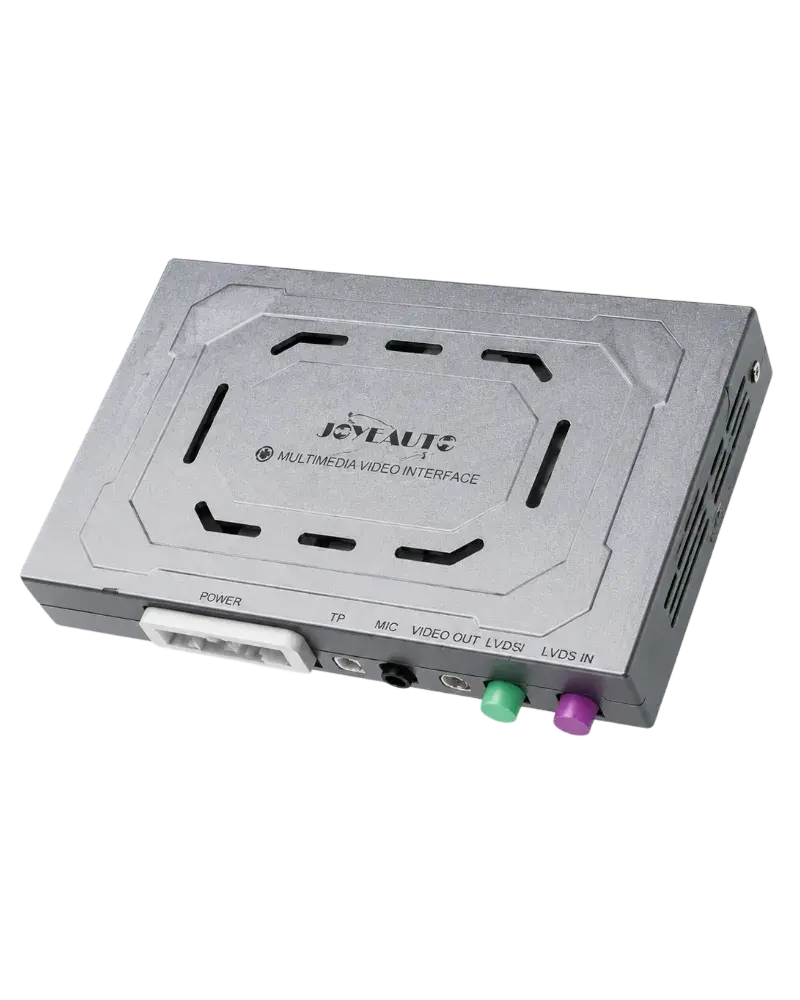
A model-specific retrofit interface is often the most integrated option for a car with a functional factory screen but no CarPlay support.
The module is installed behind the dashboard and connected between the original head unit and display using a vehicle-specific harness. It allows the driver to switch between the original infotainment menu and CarPlay.
A compatible retrofit can preserve:
- The original factory screen
- Steering wheel buttons
- Center-console knobs or touchpads
- Factory radio and vehicle settings
- OEM reverse camera
- Parking sensors
- Factory amplifier and audio system
This approach is especially useful in premium cars with a dashboard that cannot easily accept a standard replacement radio. You can learn how these systems work in the Joyeauto guide to CarPlay for older cars.
Consumers looking for a model-specific kit can browse the Joyeauto Official Store CarPlay interfaces. Dedicated collections are also available for BMW, Audi, Mercedes-Benz, and Porsche.
2. Replace the Factory Head Unit
A replacement head unit combines a new display, radio, and CarPlay receiver in one device. This is common in older vehicles with standard single-DIN or double-DIN radio openings.
Brands identified on Apple’s aftermarket CarPlay page include Alpine, JVC, Kenwood, Pioneer, and Sony. A replacement head unit may also add a larger touchscreen, Bluetooth, a new radio tuner, and support for an aftermarket reverse camera.
However, replacing the radio can be more difficult when climate controls, vehicle settings, factory amplifiers, or parking functions are integrated into the original infotainment unit. Additional harnesses, dashboard trim, steering wheel adapters, and amplifier interfaces may be required.
For vehicles with a highly integrated factory screen, an OEM-style Apple CarPlay upgrade may provide a cleaner result.
3. Use a Portable CarPlay Screen
A portable CarPlay display mounts on the dashboard or windshield and receives power from a USB port or 12-volt outlet. Audio may be sent to the car through Bluetooth, AUX, FM transmission, or a built-in speaker.
This is generally the easiest option because dashboard disassembly is minimal. It can suit classic cars, leased vehicles, or drivers who want a removable solution.
The disadvantages are that the screen and wiring remain visible, audio quality depends on the connection method, and the device may not integrate with factory cameras or controls. It is convenient, but it rarely looks or behaves like an original vehicle feature.
4. Check for a Factory Software Activation
Some vehicles were built with hardware capable of supporting CarPlay, but the feature was not enabled or was unavailable in a particular region or trim level.
In that case, a dealership software update or authorized activation may be sufficient. Some manufacturers have also offered official retrofit programs for selected models.
Before purchasing hardware, ask the manufacturer or dealer whether your vehicle identification number qualifies for an official update. A software-only activation is preferable when it is genuinely supported, but it cannot add capabilities that the original head unit lacks.
How to Check Whether Your Car Is Compatible
Compatibility should be verified before choosing an Apple CarPlay upgrade. The vehicle brand and year alone are not always enough because manufacturers frequently used different infotainment systems during the same production year.
Check the following details:
- Vehicle make, model, year, and trim
- Factory screen size
- Infotainment or head-unit version
- Whether the screen is touch-operated
- Factory AUX, USB, Bluetooth, or fiber-optic audio
- Original reverse or 360-degree camera
- Factory amplifier or premium sound system
- Right-hand-drive or left-hand-drive configuration
For example, BMW vehicles may use CCC, CIC, NBT, or EVO systems. The BMW CIC, NBT, and EVO comparison explains why identifying the correct system matters before ordering an interface.
If the system is unclear, send the seller a photo of the main infotainment menu, dashboard, and vehicle information screen. Consumers can use the Joyeauto Store contact page for model-specific assistance.
Is a Wireless Apple CarPlay Upgrade Better?
Wireless CarPlay automatically connects a compatible iPhone over Bluetooth and Wi-Fi after the initial setup. It removes the need to plug in the phone for short journeys and allows the device to remain in a pocket or bag.
Wired CarPlay can still be useful. It charges the phone, may provide more consistent performance in areas with heavy wireless interference, and does not depend on a wireless connection.
Many retrofit interfaces support both methods, allowing the owner to choose between convenience and a direct cable connection. Apple’s official CarPlay setup instructions explain how compatible systems can connect through either USB or wireless pairing.
How Is a CarPlay Retrofit Module Installed?
Installation varies by vehicle, but an OEM-style interface normally follows these stages:
- Disconnect the vehicle battery according to the manufacturer’s instructions.
- Remove the necessary dashboard trim.
- Access the factory display or infotainment head unit.
- Connect the supplied harness between the factory connectors and interface.
- Route the microphone, USB cable, or antenna when required.
- Configure the module for the correct screen and vehicle system.
- Test audio, controls, camera switching, and CarPlay.
- Reassemble the dashboard.
Model-specific diagrams and videos are available through the Joyeauto technical installation center. Consumers can also review Joyeauto Store installation resources.
Although some kits are designed for DIY installation, professional fitting is sensible when the vehicle uses fiber-optic audio, tightly fitted trim, complex factory electronics, or an integrated amplifier.
How Much Does an Apple CarPlay Upgrade Cost?
The total cost depends on the chosen method and installation complexity. Portable screens are normally the least expensive. Replacement head units can range from entry-level receivers to premium systems that require extra adapters and trim. Model-specific retrofit modules generally cost more than portable displays but preserve significantly more factory functionality.
Professional labor varies by vehicle and local market. A straightforward installation may take one or two hours, while complex dashboards or custom integrations can require longer.
Do not compare price alone. A suitable system should provide stable connectivity, appropriate audio integration, clear installation documentation, firmware support, and verified compatibility with the factory camera and controls.
Will a CarPlay Upgrade Affect the Original Features?
A properly matched retrofit interface should allow the original infotainment system to remain available. Drivers can normally switch between CarPlay and the factory menu using an existing button or controller.
However, retained functions depend on the vehicle and product. Confirm support for:
- Steering wheel controls
- Factory microphone
- Reverse and 360-degree cameras
- Parking sensor graphics
- Factory Bluetooth
- AUX or fiber-optic audio
- Touchscreen operation
- Original radio and vehicle settings
Avoid cutting factory wires when a plug-and-play harness is available. Non-destructive installation makes future servicing and removal easier.
Businesses, professional installers, and distributors seeking supply or technical cooperation can review Joyeauto’s B2B wholesale and partnership program. Retail customers should use Joyeauto Official Store for product selection and purchasing.
Is an Apple CarPlay Upgrade Worth It?
An Apple CarPlay upgrade is often worthwhile when the car remains mechanically sound but its navigation and connectivity feel outdated. It can modernize daily driving without requiring the owner to replace a well-designed factory dashboard or purchase a newer vehicle.
The best solution is not necessarily the largest screen or the cheapest adapter. It is the system that matches the exact head unit, preserves important factory features, provides reliable support, and feels natural to use.
For cars with a standard radio opening, a replacement head unit may be appropriate. For premium vehicles with a deeply integrated factory display, a model-specific retrofit interface is usually the more cohesive option.
Frequently Asked Questions
Can Apple CarPlay be added to any car?
CarPlay can be added to many vehicles, but not literally every car. The available method depends on dashboard space, audio connections, factory electronics, and the availability of compatible hardware.
Can I add CarPlay without replacing the factory radio?
Yes. A model-specific retrofit interface can add CarPlay while retaining the factory screen, radio, controls, camera, and vehicle menus in many supported vehicles.
Does an Apple CarPlay upgrade work wirelessly?
Many modern retrofit systems support wireless and wired CarPlay. Verify both functions in the product specifications before purchasing.
Will CarPlay still use my factory speakers?
Usually, yes. Audio is routed through the factory sound system, commonly through AUX, USB, Bluetooth, or a vehicle-specific audio connection.
Can I install a CarPlay retrofit myself?
Some plug-and-play kits are suitable for experienced DIY owners. Professional installation is recommended if dashboard removal, fiber-optic connections, coding, or factory amplifier integration is involved.
Does adding CarPlay remove the original vehicle menu?
A properly designed retrofit module normally keeps the original system intact. The driver can switch between CarPlay and the factory interface.
Does an Apple CarPlay upgrade support Android phones?
Many aftermarket interfaces provide both Apple CarPlay and Android Auto. Compatibility should still be checked for the specific product and phone.
How do I know which CarPlay kit fits my car?
Provide the seller with the make, model, production year, screen size, infotainment version, and clear dashboard photos. A compatibility check should be completed before ordering.